DStv Remote Not Working Worcester: 7 Fixes to Try First
Quick answer: When you find your DStv remote not working, it nearly always needs fresh batteries or is set to the wrong mode. Press HOME: if the STANDBY button lights up, the remote has power. Then check the light colour, because a red, green or orange light must match the mode your Explora is set to listen for. If the remote lights up, the mode matches and the decoder still ignores it, the fault is in the decoder or the setup.
Most calls we get about a DStv remote not working Worcester homeowners could fix in five minutes. The trick is knowing what to check first, and in what order. This guide helps you decide: fix it yourself, buy a new remote, or book a technician.
We have sorted out a DStv remote not working in homes from Langerug to De Doorns. The causes are nearly always the same few things. Below we start with the decision, then costs, setup and common mistakes.
DStv remote not working? Decide what kind of fault you have
Before you spend a cent, work out where the problem sits. A remote fault, a decoder fault and a signal fault can all look like a DStv remote not working.
Signs it is the remote
- The STANDBY button on the remote does not light up when you press a button.
- Some buttons work and others do nothing.
- The remote was dropped, sat on or left in a hot car.
Signs it is the decoder or the setup
- The remote lights up, but the decoder does not react at all.
- A second remote in the house works on this decoder, but this one does not.
- The problem started after a power cut, a move or a new decoder.
Signs it is really a signal problem
Sometimes the remote works fine, but the screen shows an error, "No signal" or a frozen picture. Changing channels does nothing useful because no channel has a picture. That is a dish, LNB or cable fault, and our DStv signal repairs in Worcester page explains how we find it.
Key points before you start
- Press HOME on the remote. If STANDBY lights up, the batteries are working.
- The light colour shows the remote mode: red is mode 1, green is mode 2, orange is mode 3.
- The decoder must be set to listen for the same mode as the remote.
- DStv does not recommend rechargeable batteries for the A9 remote.
Compare your options: fix it, replace it or call us
Here is how the three choices compare. Use it to decide how far to go with a DStv remote not working before you pick up the phone.
| Option | Best when | What it costs | Time |
|---|---|---|---|
| Fix it yourself | Batteries, wrong mode, blocked decoder, dirty remote | Only new batteries | 5 to 15 minutes |
| Buy a new DStv remote | Remote stays dark with fresh batteries, or is physically damaged | Retail price of a remote at a DStv Service Centre or Agency | One shop trip |
| Book a technician | Decoder ignores a working remote, XtraView clashes, signal faults | Our repairs and call-out start from R550 | Usually one visit |
For most homes in Worcester West or Somerset Park, the first row solves it. The second row is for remotes that have truly died.
The third row is for when the remote is fine and something else is wrong. That is where local DStv installers in Worcester earn their call-out, with a meter and spare parts on hand.
How to fix a DStv remote not working at home
Work through these steps in order whenever your DStv remote is not working. Test the remote after each one, so you know exactly which step fixed it.
- Check the batteries. Press HOME. If the STANDBY button does not light up, fit a fresh set of batteries of the same type and brand.
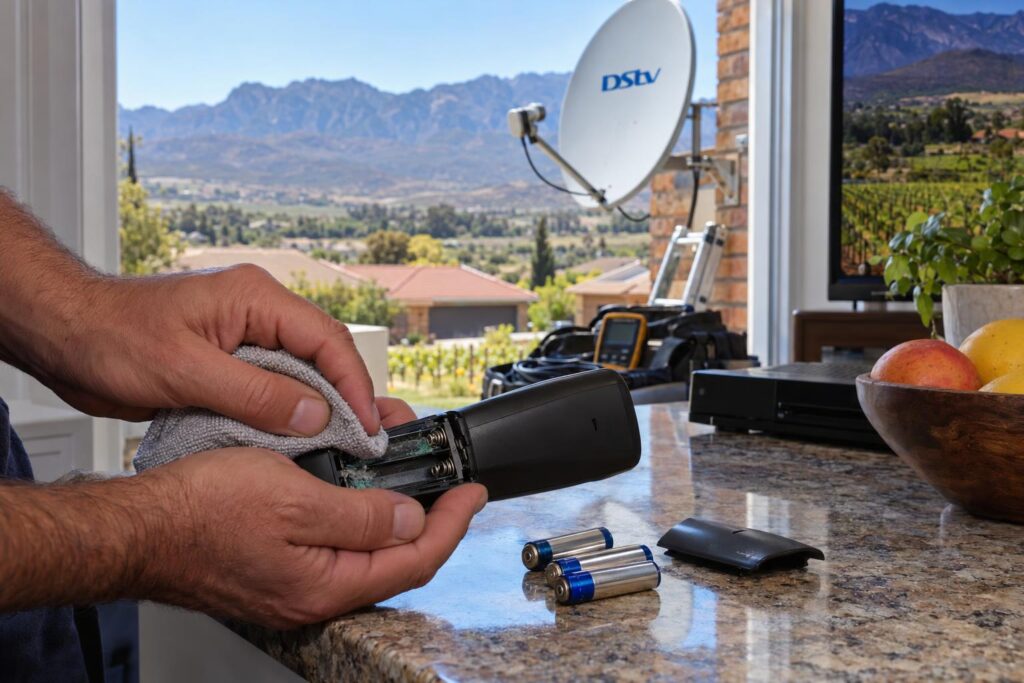
- Clean the contacts. Look for white or green crust in the battery compartment. Wipe it off with a dry cloth and refit the batteries.
- Clear the path. Move soundbars, ornaments and cabinet doors away from the front of the decoder. Point the remote straight at it from a normal distance.
- Read the light colour. Press any button and watch the STANDBY light. Red, green or orange tells you which mode the remote is in.
- Change the mode if needed. Press and hold INFO and BACK together. The remote moves to the next mode and the STANDBY light blinks twice in the new colour.
- Match the decoder to the remote. On an Explora, go to HOME, Settings, System Settings, Remote Control. Set the remote mode you use and set the other modes to Ignore.
- Restart the decoder. Switch it off at the wall, wait a minute and switch it on again. On an Explora, holding the STANDBY button on a working remote also reboots it.
The menu path in step 6 is for Exploras. Single view HD decoders have a simpler menu, and our comparison of the DStv Explora vs HD decoder shows how the two differ.
Why a red or green light does not mean "broken"
Many people search for a DStv remote not working with a red light or a blinking green light. On the A9 remote, the colour simply shows the mode. A red light means mode 1, which is the default. Green and orange mean someone has changed it, often a child pressing buttons.
When the volume buttons do nothing
If channels change but the volume will not move, check the audio setting. When audio is set to Fixed, the remote volume buttons do not change the sound. Go to HOME, Settings and User Preferences, and set audio to Variable.
Local tip: Worcester summers are hot and the valley wind carries a lot of dust. A remote left on a sunny windowsill or a stoep table can get grimy fast. Wipe the front window of the remote and the front of the decoder now and then.
What a new DStv remote or a call-out costs in Worcester
If the home fixes fail and your DStv remote is still not working, you are paying for either a new remote or a visit. Here is what to expect.
Buying a replacement remote
DStv says that if new batteries go in and the STANDBY button still does not light up, the remote needs replacing. The A9 remote carries a 12 month warranty from the date of purchase. Take it with your proof of purchase to a DStv Service Centre or Agency. If it is older than that, you can buy a new one there.
The A9 remote works with DStv HD decoders and all Explora models. Remote prices vary by shop and model, so check before you buy. If you are thinking of replacing the whole box anyway, our guide to DStv decoder prices in Worcester shows what you pay and what installation adds.
Paying for a technician
Our repairs and call-outs start from R550, as listed on our price guide. That covers a proper diagnosis and an honest quote before any work starts.
A visit makes sense when the decoder ignores a working remote, or when two decoders fight over one remote. For farms near Rawsonville or Brandvlei, we plan the trip so travel is clear upfront.
Remote still dead after all seven steps?
Send us a WhatsApp with your decoder model and what the STANDBY light does. We will tell you honestly if it is a quick fix or needs a visit.
Setting up a new remote, second decoders and XtraView
A new remote should work straight out of the box on mode 1. Problems start when a home has more than one Explora. That is when we see a DStv remote not working on one TV but fine on the other.
Two Exploras in one house
If two decoders are in the same house, or even the same room, each one needs its own mode. Otherwise one remote changes the channel on both TVs. Set the lounge remote and decoder to mode 1, and the bedroom pair to mode 2, with the other modes set to Ignore.
This is the classic "DStv remote not working on second TV" call. It is common in family homes in Fairy Glen and Panorama, where the main and bedroom TVs often share one open-plan space. Our article on setting up XtraView for a busy household covers the wider setup.
XtraView homes
DStv's own remote guide says XtraView homes should check remote mode settings with an accredited installer. That is because the decoders are linked, and the wrong change can upset both. If you have just set up a new box and got stuck partway, our walk through the DStv installation wizard steps shows where people usually trip up.
Mistakes that keep a DStv remote not working
These are the habits we see most when we arrive at a DStv remote not working. Avoid them and save yourself a call.
- Mixing one old battery with one new battery.
- Using rechargeable batteries, which DStv does not recommend for this remote.
- Leaving batteries in the remote at a holiday home for months, so they leak.
- Changing settings at random in the menu when the remote is simply in mode 2.
- Buying a new decoder when the old one only needed a restart.
- Putting the decoder inside a closed cabinet without checking that the remote still reaches it.
Holiday homes at Brandvlei Dam are a good example. The remote sits in a drawer all winter, and the batteries leak and eat the contacts. Take the batteries out when you lock up for the season.
After load shedding or a power dip, a decoder can also freeze and ignore every command. People report a DStv remote not working, but the decoder is the one that froze. A full restart at the wall clears it in most cases.
When the remote works but the picture does not
Sometimes what looks like a DStv remote not working is something else. The remote does its job perfectly. It opens menus and changes channels, but every channel shows an error or a black screen. Then the fault is further up the line.
Start by checking the signal readings in the decoder menu. Our guide to DStv signal strength and quality explains what the numbers mean and what counts as too low.
If the problem started after a thunderstorm or strong wind, the dish may have moved or the LNB may be damaged. Our quick checklist for no signal after a storm covers the safe checks you can do from the ground.
For account errors, DStv's own DStv help and contact page lists self service options. These include WhatsApp on 060 060 3788 and the MyDStv app, which can clear some errors without a visit.
When none of that helps, it is time for a technician with a meter. We repair setups we did not install, across Worcester and the Breede River Valley.
Need a local technician this week?
We cover the Worcester CBD, the suburbs and farms out to De Doorns and Rawsonville. Free, honest quote before any work starts.
If you would rather someone sorts the remote, the modes and the signal in one visit, our Worcester DStv installers can test everything from the dish to the decoder.
Most remote problems end with new batteries and the right mode. The rest are usually quick to fix once the whole setup is checked.
DStv remote not working: questions Worcester homes ask
Why is my DStv remote not working with new batteries?
First check the remote is in the same mode as the decoder. Press any button and look at the light colour, then match it under Settings, System Settings, Remote Control on an Explora. If the STANDBY button does not light up at all with new batteries, the remote needs replacing.
What does a red or green light on my DStv remote mean?
On the A9 remote the light colour shows the mode. Red is mode 1, green is mode 2 and orange is mode 3. A colour on its own is not a fault, but it must match the mode the decoder listens for.
Why is my DStv remote not working on the second TV?
Two Exploras in one home need different remote modes, or one remote will control both or neither. Set each remote and decoder pair to its own mode and set the others to Ignore. In XtraView homes, DStv advises checking mode settings with an accredited installer.
Why does my DStv remote change channels but not the volume?
The decoder audio is probably set to Fixed. In that setting the volume buttons do not change the sound. Go to HOME, Settings and User Preferences and set audio to Variable.
Can I buy a DStv remote on its own?
Yes. DStv says you can buy a new remote at any MultiChoice Service Centre or Agency. If your A9 remote is under 12 months old, take it in with proof of purchase for the warranty.
Can you fix a DStv remote not working in Worcester?
Yes. We check the remote, the mode settings, the decoder and the signal in one visit, with repairs and call-outs from R550. Call or WhatsApp 079 754 5527 for a time that suits you.