DStv Explora vs HD Decoder: 3 Boxes Compared for Worcester Homes
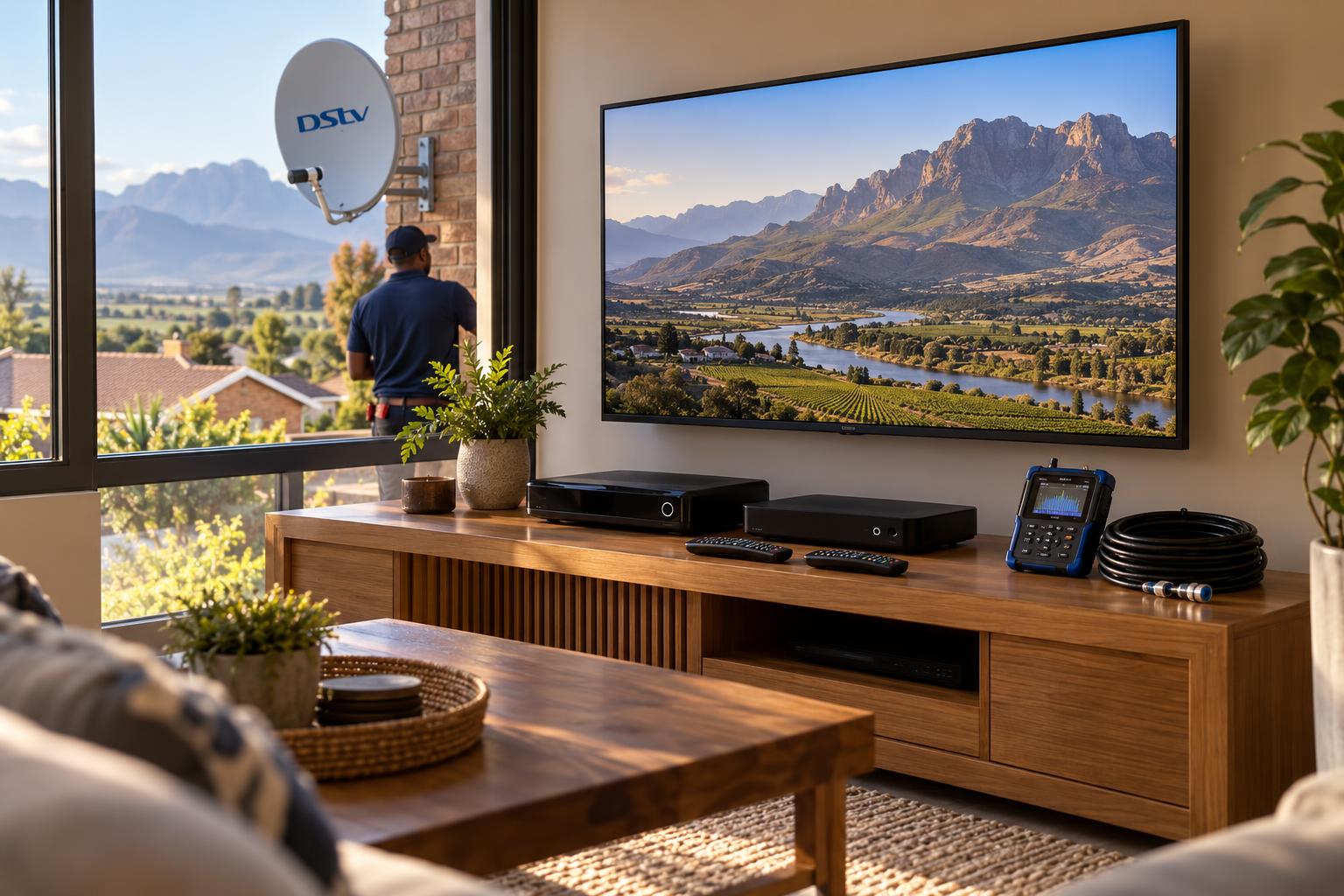
Quick answer: In the DStv Explora vs HD decoder choice, pick an HD decoder if you only watch live TV on one screen and want the lowest cost. Choose an Explora if you want to record, pause live TV or link a second TV with XtraView. Choose the Explora Ultra if you also want streaming apps such as Netflix and Showmax on the same box. Both Explora models need a Smart LNB on the dish, so check your dish before you buy.
It is a Saturday afternoon in a Worcester lounge. The rugby kicks off at the same time as the series someone has waited all week to see. There is one TV, one decoder and no way to record. That moment is usually when the DStv Explora vs HD decoder Worcester question lands on our phone.
We install and upgrade decoders across the Breede River Valley every week. Below we settle the DStv Explora vs HD decoder choice. We explain what each box really does, what it costs to get working and which one suits the way your household watches. No jargon, and no pushing you into a box you will not use.
Key points before you choose
- The HD decoder shows live TV only. It cannot record or pause.
- The Explora records, pauses live TV and can be the main box in XtraView.
- The Explora Ultra adds built-in WiFi, 4K support and streaming apps.
- Both Explora models are designed to run off a Smart LNB on the dish.
- DStv charges a monthly Access Fee for full use of an Explora.
Why the DStv Explora vs HD decoder question comes up so often in Worcester
Most homes here started with a basic setup years ago. A dish went up on the wall, one decoder went under the TV and that was that. Life changed, but the decoder did not.
The DStv Explora vs HD decoder decision is really about how your home watches TV today.
Now the kids want their shows, someone works shifts and misses the news, and the TV in the main bedroom sits unused. The box that was fine ten years ago now feels like the bottleneck.
There is also the price on the shelf. An HD decoder costs a few hundred rand. An Explora Ultra costs several thousand. People want to know if the gap is worth it, or if they are paying for features they will never touch.
What an HD decoder does, and what it does not
The DStv HD decoder is the simplest box DStv sells. It takes the satellite signal from your dish and shows live channels in HD on one TV.
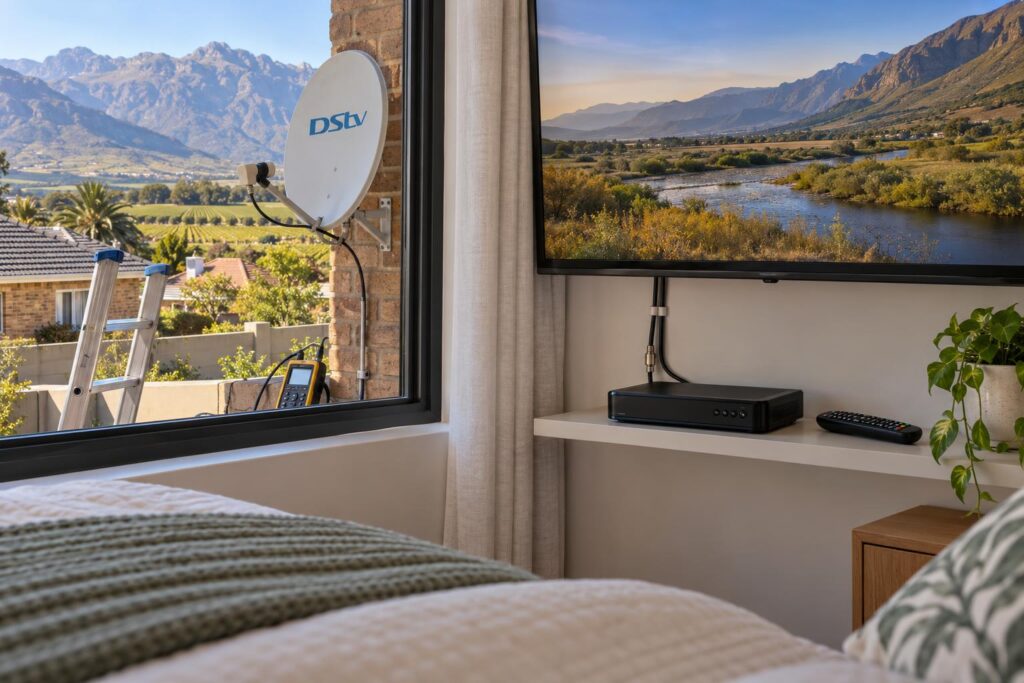
It is quick to set up and easy to use. Older viewers often prefer it because the menu is short and there is less to go wrong.
Who the HD decoder suits
- A single TV where people watch live and do not mind missing a programme.
- A granny flat, a rental unit or a bedroom TV.
- A holiday house that stands empty for part of the year.
- A second room in an XtraView setup, linked to an Explora in the lounge.
Where the HD decoder falls short
It cannot record. It cannot pause or rewind live TV. If you step out to make supper, that part of the match is gone.
It also has no streaming apps. If streaming matters, many homes add a smart TV or compare paid TV with free options first. Our DStv vs OpenView comparison covers that choice in plain terms.
What the Explora 3B and Explora Ultra add
The Explora is a recording decoder, often called a PVR. It has a hard drive inside, so you can record programmes, pause live TV and rewind a moment you missed.
Explora 3B: recording without the extras
The Explora 3B covers the basics most families want. Record a series, pause live TV and watch later. It can also be the main box in an XtraView setup, so a second room gets its own channels.
If two rooms keep fighting over the remote, our guide to XtraView for a busy household shows how the linking works.
To use Catch Up and other online features, the 3B needs an internet link. That means a network cable from your router or a DStv WiFi Connector.
Explora Ultra: recording plus streaming apps
The Explora Ultra does everything the 3B does. It adds built-in WiFi, support for 4K TVs and streaming apps such as Netflix, Showmax and YouTube on the same remote.
It suits homes with a good internet line that want one box for everything. Our Explora Ultra installation service covers the Smart LNB, the WiFi link and the app sign-in in one visit.
Local tip: DStv recommends an uncapped line and at least 10Mbps for HD streaming on an Explora. On a slow farm connection outside town, the 3B is often the better buy because recording works off the dish, not the internet.
DStv Explora vs HD decoder: side by side comparison
Here is the DStv Explora vs HD decoder comparison in short. Prices below were listed at Makro at the time of writing (October 2026). They are for the box only and change with promotions, so check on the day.
| Feature | HD decoder | Explora 3B | Explora Ultra |
|---|---|---|---|
| Live TV in HD | Yes | Yes | Yes |
| Record and pause live TV | No | Yes | Yes |
| Main box in XtraView | No, second box only | Yes | Yes |
| Streaming apps | No | No | Yes |
| 4K support | No | No | Yes |
| Internet connection | Not needed | Cable or WiFi Connector | Built-in WiFi |
| Dish LNB | Standard LNB | Smart LNB | Smart LNB |
| Makro listed price (Oct 2026) | R299 (HD Single View 10S) | R1,499 | R3,200 |
Is the price gap worth it?
Most of the DStv Explora vs HD decoder debate comes down to recording. If you record even a few shows a week, the Explora usually earns its place. If nobody in the house will ever press record, the HD decoder is the honest choice.
The shelf price is only part of the cost. Our article on DStv decoder prices in Worcester compares the main shops and shows what installation adds.
On our side, a basic single view installation starts from R800 and a full Explora setup starts from R2,200. Equipment is extra, and we quote before any work starts.
Not sure which box your home needs?
Send us a photo of your dish and tell us how you watch TV. We will tell you honestly which decoder fits and what the full setup costs.
The part people forget: the dish, the LNB and valley weather
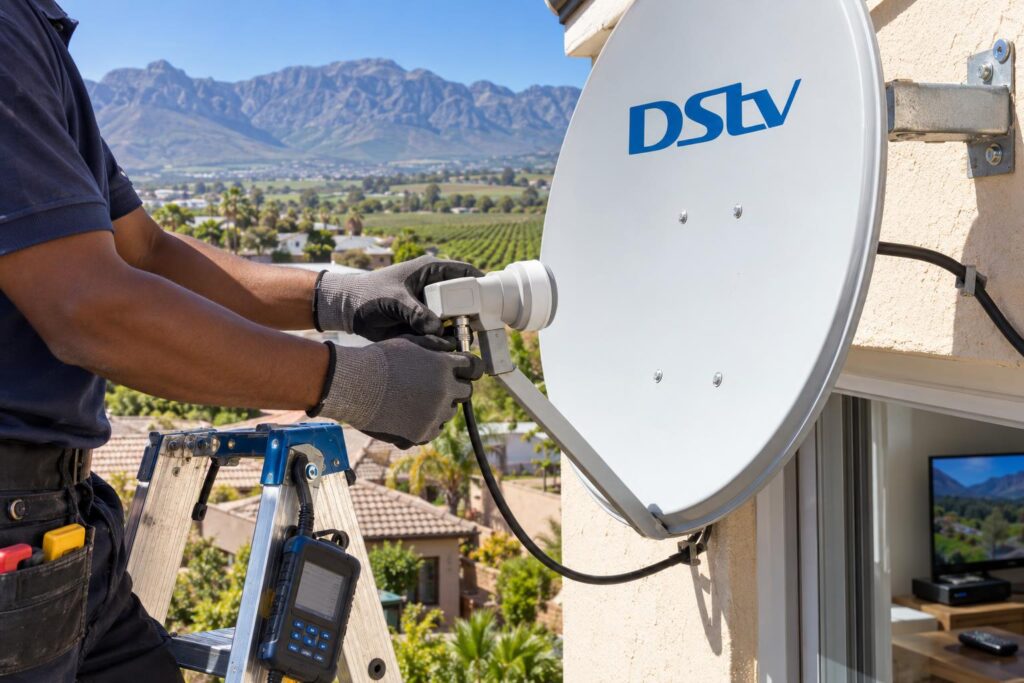
A decoder is only as good as the signal feeding it. In any DStv Explora vs HD decoder upgrade, the dish decides how smoothly it goes. This is where most upgrades in our area turn from a quick swap into a bigger job.
Smart LNB for the Explora
The LNB is the small unit on the arm of your dish. HD decoders work off a standard LNB. The Explora and Explora Ultra are designed to run off a Smart LNB.
Many older dishes in Worcester West and the Worcester CBD still have the old type. Plug a new Explora into that line and it will not work properly. Our Smart LNB price guide explains when you need one and what it costs.
Heat, wind and storms
Worcester summers bake cable that runs over a roof. Cracked cable lets water in, and the picture starts to break up. Wind off the mountains also nudges a dish off its aim over time.
An Explora is less forgiving of a weak signal than an old HD box. When we handle a DStv installation in Worcester, we check the dish, LNB and cable with a signal meter before the new decoder goes in.
Load shedding and recordings
A recording cannot run while the decoder has no power. If power cuts return, plan important recordings around the schedule or run the decoder off a small backup supply.
DStv Explora vs HD decoder for different Worcester homes
Every household watches differently, so the DStv Explora vs HD decoder answer changes from home to home. Here is how we usually match the box to the home.
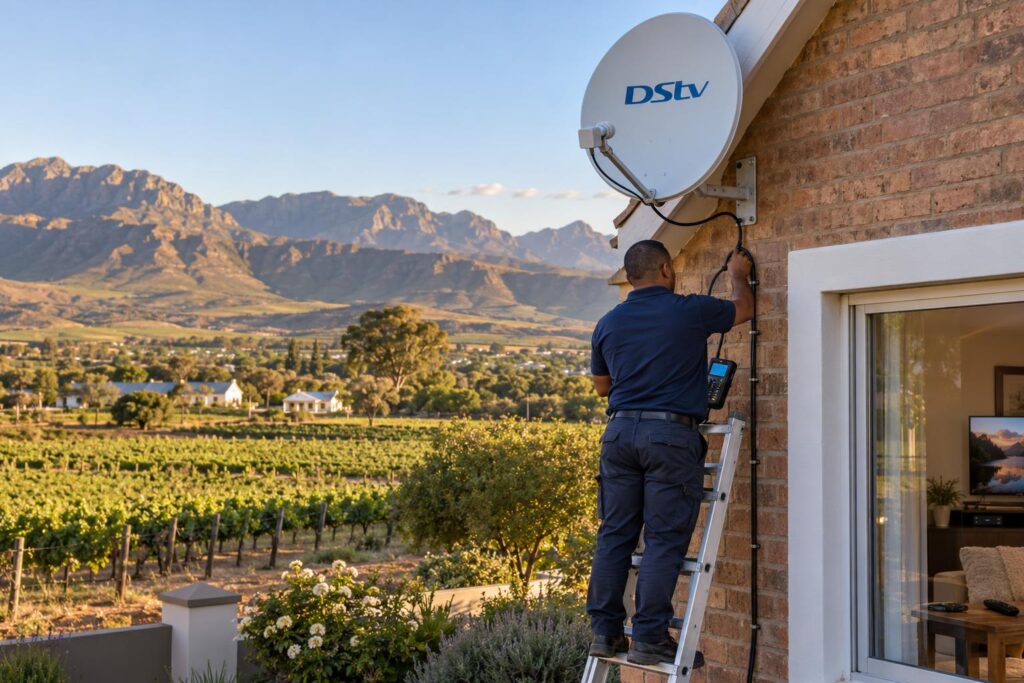
A family home in Langerug, Fairy Glen or Panorama
Two or three people want different things at the same time. An Explora in the lounge, linked to an HD decoder in a bedroom with XtraView, often keeps the peace.
If the family streams a lot and the fibre line is good, the Ultra in the lounge saves you a separate streaming stick.
A flat, cottage or rental in Somerset Park or Avian Park
One TV, live sport and the news. An HD decoder does the job well and keeps costs down.
If the unit has no dish yet, a new DStv installation covers the dish, cable and decoder in one visit.
A farm or holiday home near Rawsonville, De Doorns or Brandvlei
On farms, distance changes the DStv Explora vs HD decoder maths. Internet on farms can be slow, and long cable runs between buildings need good cable and a solid signal.
For a holiday home that stands empty for weeks, a simple HD box is often enough. If you plan on moving a decoder to a holiday home, read our guide to using your decoder at another house first.
DStv installation vouchers sold with an HD decoder cover one TV point, while Explora and Ultra vouchers cover two. DStv also states that extra travel, cabling or amplification is for your account, which matters on farms in the Breede River Valley.
Your checklist before you buy a decoder
Run through these steps before you pay at the till. It settles the DStv Explora vs HD decoder question in about ten minutes and can save you a second trip to the shop.
- Decide if anyone in the house will record or pause live TV. If not, the HD decoder is enough.
- Count the TVs that need DStv. Two or more TVs usually means an Explora with XtraView.
- Check your internet. Streaming apps need a stable, ideally uncapped line.
- Go outside and look at the dish. Note any rust, cracked plastic or loose brackets.
- Check the LNB type. An Explora needs a Smart LNB.
- Read the box for words like "installed" or "voucher" and check what is included.
- Keep the till slip, the box and the decoder serial number until the box is activated.
Final checks on DStv Explora vs HD decoder costs
- Ask for one quote that covers the full working setup, not just the box.
- Check your DStv account for the Explora Access Fee before you upgrade.
- Plan the XtraView link now if a second TV is likely later.
If you would rather have someone look at the dish first, our Worcester DStv installers can check it and fit the right decoder in one visit.
For DStv's own rules on installation vouchers, see the DStv accredited installation page.
The best DStv Explora vs HD decoder choice is the one your household will actually use. Choose for the way you watch today, and leave room for one more TV tomorrow.
Ready to upgrade or start fresh?
We supply, install and set up HD, Explora and Explora Ultra decoders across Worcester and the Breede River Valley. Honest quote first, tidy work, every channel tested.
DStv Explora vs HD decoder Worcester FAQs
What is the difference between a DStv Explora and an HD decoder?
The HD decoder shows live channels only. The Explora adds a hard drive, so you can record, pause and rewind live TV. It can also be the main box in an XtraView setup.
Can I use my old dish with a new Explora?
Often yes, if the dish is sound and well aimed. The Explora is designed to run off a Smart LNB, so an old LNB usually needs replacing. We check the dish and cable before fitting the new decoder.
Does the DStv Explora connect to WiFi?
The Explora Ultra has WiFi built in. The Explora 3B connects with a network cable or a DStv WiFi Connector. DStv recommends an uncapped line for its internet features.
Which DStv decoder is the best for a Worcester family?
For most families, an Explora in the lounge is the best fit because it records and pauses live TV. Add an HD decoder in a second room with XtraView if people watch different channels. Choose the Ultra if you also want Netflix and Showmax on the same box.
Is the DStv Explora vs HD decoder price difference worth it?
At the time of writing (October 2026), Makro listed the HD Single View 10S at R299 and the Explora 3B at R1,499. If you record shows every week, the Explora is usually worth the extra. If you only watch live TV on one screen, save the money and choose the HD decoder.
Can an HD decoder record?
No. This is the biggest DStv Explora vs HD decoder difference. The HD decoder has no hard drive, so it cannot record or pause live TV. You need an Explora or Explora Ultra for that.