How to Activate OpenView Decoder in Worcester: 4 Easy Ways
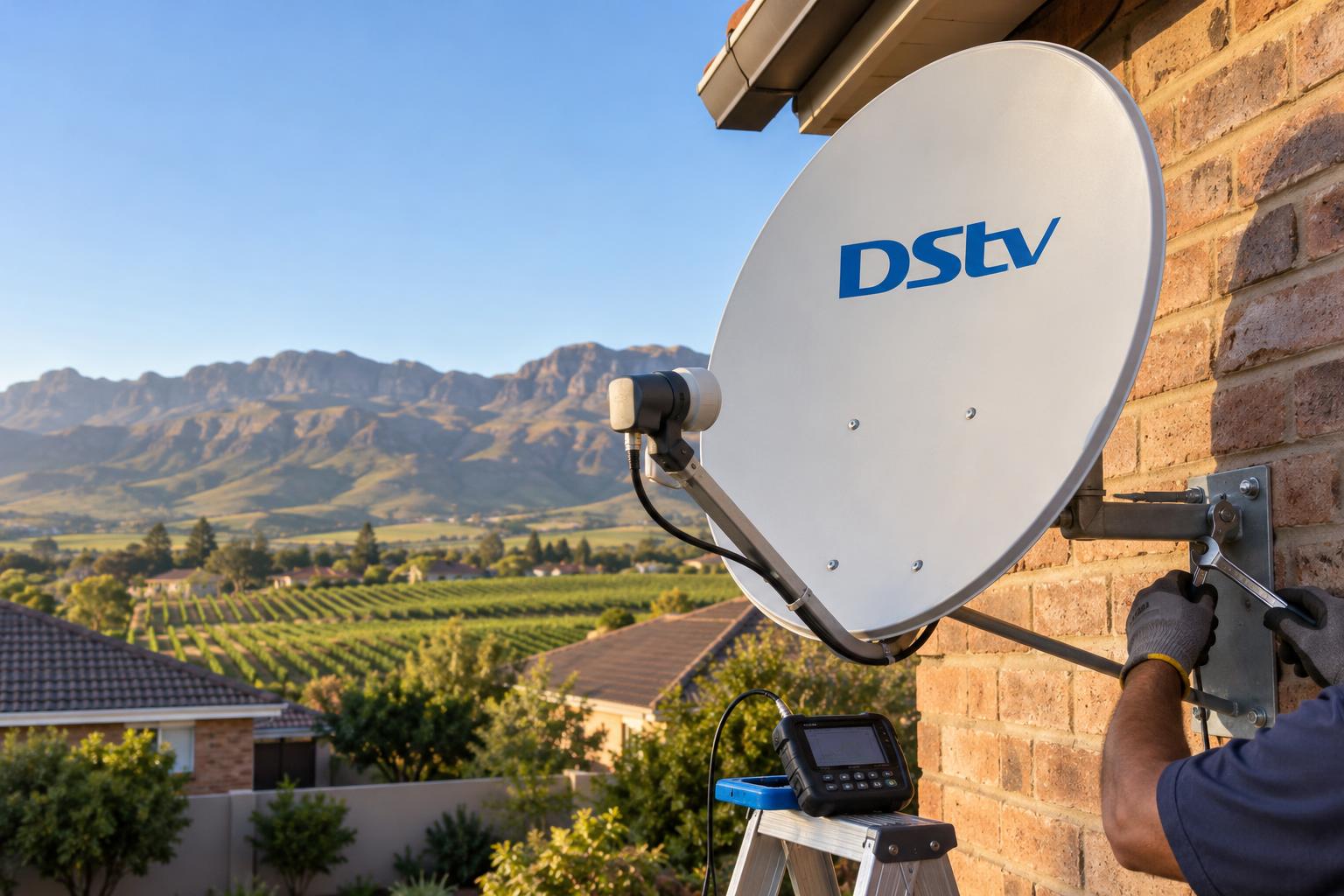
Quick answer: Switch on the decoder, wait for channel 100, then press HELP on the remote and write down your STB number. Dial *120*6843*1# on your cellphone and enter the STB number when asked. If USSD will not go through, WhatsApp OpenView on 082 966 6429 or call 0861 696 843. Channels can take up to 5 minutes to appear.
This is our plain guide on how to activate OpenView decoder Worcester homes can follow tonight, with a phone in one hand and the remote in the other. There are a few routes to choose from. We compare them, show what each one costs, and point out the mistakes that keep people stuck on channel 100.
We activate OpenView boxes every week, from flats in the Worcester CBD to farm cottages outside Rawsonville. Most activations take ten minutes. The slow ones nearly always have a signal or cable problem hiding behind them.
Key points before you start
- OpenView has no monthly subscription. Activation simply links your decoder to the free channels.
- You need the STB number from the HELP screen. Nothing else on the box will do.
- The main route is USSD: *120*6843*1# on any cellphone.
- WhatsApp (082 966 6429) and the call centre (0861 696 843) are the backup routes.
- Signal strength and quality must both sit above 75%, or activation may not stick.
How to activate OpenView decoder: pick your route first
Before you dial anything, decide which route suits your situation. Knowing how to activate OpenView decoder boxes is easy once the route is right. Most people pick the wrong one and end up repeating the process three times.
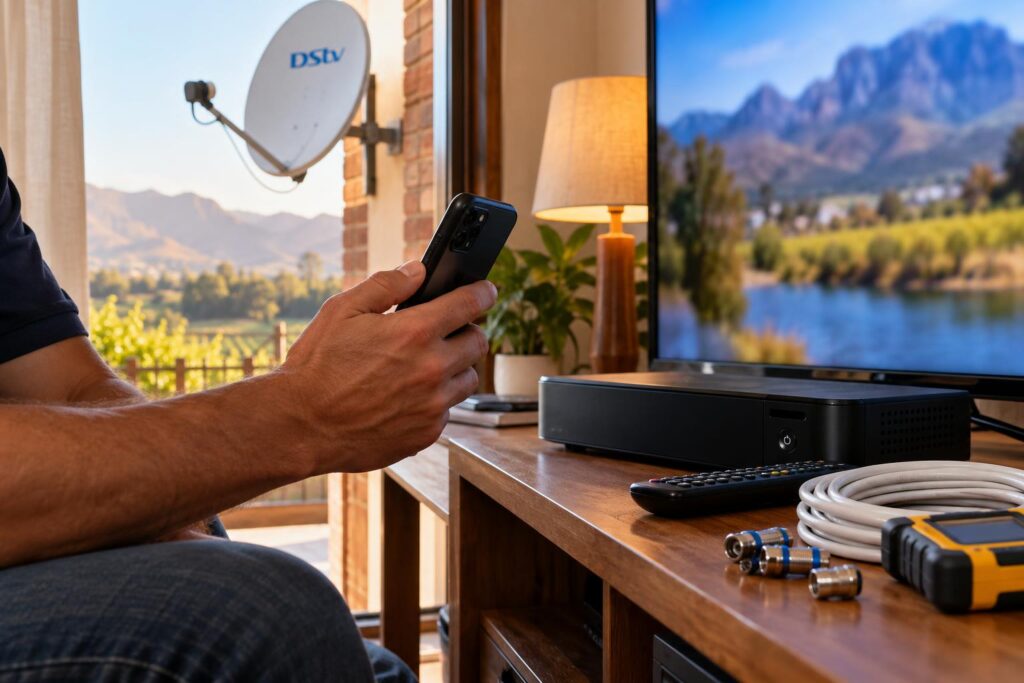
OpenView's own help and contact pages list three ways in: the USSD code, a WhatsApp line and a customer care number. We could not find an official activation app or a web form, so be careful of sites that offer one. When people search for "activate OpenView with an app", the WhatsApp line is the app route that actually works.
When USSD is the right choice
For most people, how to activate OpenView decoder boxes comes down to one USSD code. USSD suits almost everyone. It works on any cellphone, even an old button phone, and you do not need data. It is also the code printed at the bottom right corner of channel 100.
When WhatsApp or a phone call makes more sense
WhatsApp is handy if the USSD menu keeps timing out on a weak cell signal. The call centre is better when an error code will not clear and you want a person to talk it through.
- Choose WhatsApp if you have data but poor cell reception, which happens on some farms in the Breede River Valley.
- Choose the call centre if you see the same error after two clean attempts.
- Choose an installer if the decoder shows "No signal" or the HELP screen reads below 75%.
If you are still deciding whether OpenView or a paid package is right for the house, our honest comparison of DStv vs OpenView HD is worth five minutes first.
OpenView activation options compared
Here is how the routes stack up if you are weighing up how to activate OpenView decoder boxes at home. We built this table from what we see on real jobs around Worcester West, Langerug and Panorama.
| Route | What you need | Best for | Watch out for |
|---|---|---|---|
| USSD *120*6843*1# | Any cellphone, STB number | New decoders and quick reactivation | Sessions time out if you type slowly |
| WhatsApp 082 966 6429 | Smartphone with data, STB number | Weak cell signal, typing at your own pace | Replies can take longer when lines are busy |
| Call centre 0861 696 843 | Phone, STB number, error code | Errors that keep coming back | Waiting times at peak hours |
| Local installer | A booking | No dish, no signal or a shared Smart LNB | A call out fee, quoted upfront |
The first three routes do the same job. Only an installer can fix the dish, cable or LNB problems that stop activation from landing. Our OpenView HD installation service covers the dish, decoder setup and activation in one visit.
What OpenView activation costs in Worcester
The good news is that activating OpenView itself costs very little. There is no monthly bill, no package to choose and no contract.
- Decoder: at the time of writing (October 2026), OpenView says its decoders start at R799 at leading retail stores.
- Activation: no subscription. You only pay your network's normal rates for the USSD session, WhatsApp data or phone call.
- Dish: if you already have a working dish on the IS-20 satellite, the same one DStv uses, you only need the decoder.
- Installation: needed if you have no dish, or your dish points at the wrong satellite.
OpenView recommends an 85cm dish in South Africa. Many homes in Fairy Glen and Somerset Park already have one on the roof from an old DStv setup, which can save you the cost of a new dish.
Installation prices depend on the roof, the cable run and the distance from town. We give a free, honest quote before any work starts. If you are comparing boxes, our guide to DStv decoder prices in Worcester shows what the paid side costs at the big retailers.
Rather have it done properly the first time?
We fit the dish, run neat cabling, scan the channels and activate the decoder before we leave. Same-week bookings around Worcester and the valley.
How to activate OpenView decoder with your phone, step by step
These are the steps from OpenView's own activation guide, with our notes added. This is how to activate OpenView decoder boxes on any current model, so do them in order.
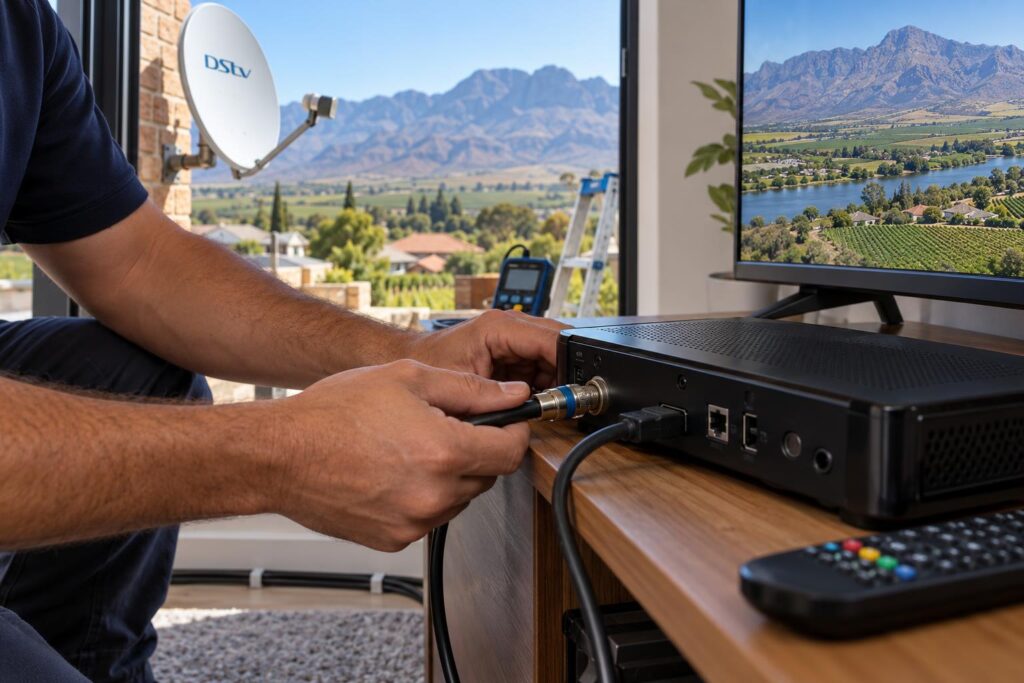
- Connect the dish cable. Screw the cable from the dish into the LNB IN or DISH IN port on the back of the decoder.
- Connect the TV. Use HDMI if you can, then pick the matching HDMI input on your TV.
- Power up and let it scan. The decoder scans by itself. Wait until channel 100 is playing.
- Find your STB number. Press HELP on the OpenView remote and write the STB number down. Press EXIT to go back to channel 100.
- Dial the code. Dial *120*6843*1# on your cellphone and follow the prompts. Enter your STB number when asked.
- Leave it alone. The decoder may reboot and update its software. OpenView says channels can take up to 5 minutes to show.
Once channels appear, use P+ and P- to move through them. If only a few show up, our step by step guide on how to add channels on OpenView covers the rescan. Keep a note of the channel count so you can spot missing channels later.
How to activate OpenView decoder on WhatsApp
Save 082 966 6429 in your phone as OpenView. Send a message, then follow the replies and type in your STB number when asked. Keep the TV on channel 100 while you wait.
Using the call centre
Call 0861 696 843 with the STB number and any error code written down. Stand near the TV so you can read the screen to the agent.
Local tip: On holiday homes in Brandvlei and De Doorns that stand empty for months, leave the decoder switched on overnight after you activate it. OpenView's setup guide says the KSTB 6168 runs its automatic software upgrade at 1:30am.
Installation before activation: dish, LNB and signal
Activation is a message sent over the satellite to your decoder. If the signal is weak, the message never arrives, even when your phone says it worked.
That is why we check signal before we dial. Any guide on how to activate OpenView decoder boxes that skips this step is only half a guide. Press HELP and look at the bottom of the screen. OpenView says strength and quality both need to be above 75%.
How to activate OpenView decoder on a Smart LNB
Many Worcester homes share one dish between DStv and OpenView through a Smart LNB. OpenView's guide says the KSTB 6168 will then show "No Signal" when it first starts.
The fix is to press 0987 on the remote, switch the LNB setting to SATCR and run a new channel scan. Once the promo channel plays, activate as normal. If your dish still has an old LNB, our article on the DStv Smart LNB price explains when an upgrade makes sense.
Reading your signal numbers
Strength and quality are not the same thing. A dish can show strong signal but poor quality when it is slightly off target. Our guide to signal strength vs signal quality explains what the numbers mean.
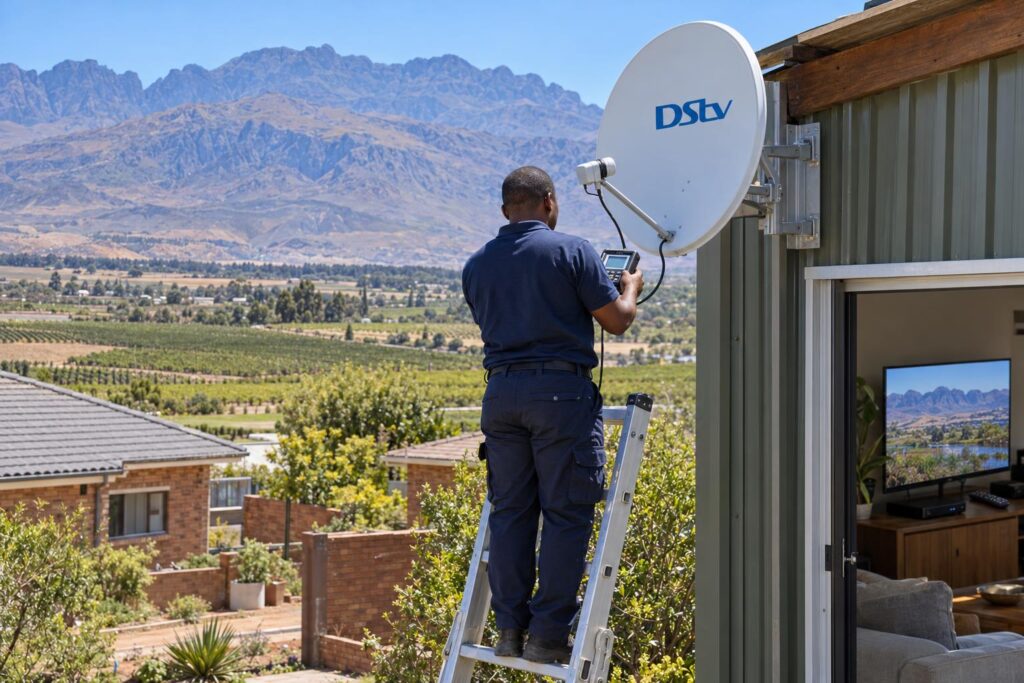
Afternoon wind off the mountains can nudge dish brackets in Langerug and Panorama over time. A dish that drifts a few millimetres can drop below 75% on a windy day. A rescan will not fix that. A proper alignment with a meter will.
Mistakes to avoid when you activate OpenView
We see the same handful of mistakes on almost every call out. Most of them come from rushing how to activate OpenView decoder boxes. Each one costs time, and some cost a wasted trip.
- Typing the wrong number. The STB number comes from the HELP screen. A model number or serial from the sticker will be rejected.
- Pulling the plug too soon. The decoder may go blank while it updates. Unplugging it halfway can mean starting again.
- Dialling before the scan finishes. Wait for channel 100 to play first.
- Ignoring a weak signal. Below 75%, activation may fail or drop out again later.
- Buying a second hand box with no slip. OpenView's warranty and repairs go through the store where you bought it, with proof of purchase.
Error codes that mean "activate again"
The OpenView help and FAQ page lists errors 200, 206, 69, 20, E04 and E06 as activation errors. Go to channel 100, dial *120*6843*1#, choose option 2 to clear error codes and follow the prompts.
Errors that mean "check the cables"
"No signal", "No channels" or E52 point to the dish connection, not activation. Unplug the power and dish cables, plug the dish cable back in first, then the power. Let the decoder reboot by itself.
If the picture dropped out after a big Cape front, run through our checks for no signal after a storm before you try to activate again.
Activating OpenView at farms, flats and holiday homes
How to activate OpenView decoder boxes is the same everywhere in South Africa. What changes around Worcester is the property.
On farms the dish often sits on a shed far from the house, and long cable runs lose signal. Our local DStv installers in Worcester plan the cable route first so the decoder gets a strong feed. Every join in the cable is a place where water can get in.
In complexes in Avian Park and Somerset Park, several units may share one dish. Changing settings on your own decoder can then affect the scan, so ask your body corporate or call us first.
Load shedding and power dips can also wipe a fresh activation before the update finishes. Activate when the power schedule gives you a clear hour. When we do a full DStv installation in Worcester, we often add a surge plug for the decoder at the same time.
Once you know how to activate OpenView decoder boxes, you will rarely need to do it again. After activation, the decoder should keep working with no further steps. Keep the remote batteries fresh and leave the decoder plugged in so it can update overnight.
Still stuck on channel 100?
Our team can test the signal, fix the dish or LNB and activate the decoder on the spot, anywhere from the CBD to the farms past De Doorns.
How to activate OpenView decoder: Worcester FAQs
How do I activate my OpenView decoder with my phone?
Press HELP on the remote and write down the STB number. Dial *120*6843*1# on your cellphone and follow the prompts. Enter the STB number and wait up to 5 minutes for channels to appear.
Can I activate my OpenView decoder on WhatsApp?
Yes. OpenView lists 082 966 6429 as its WhatsApp number. Send a message, follow the replies and have your STB number ready to type in.
Can I activate OpenView online or with an app?
We could not find an official web form or activation app on OpenView's website. The official routes are the USSD code, WhatsApp and the call centre on 0861 696 843. Be wary of sites that ask for payment to activate.
Why is my OpenView stuck on channel 100?
Your decoder is not activated, or it has lost its activation. Follow the same steps on how to activate OpenView decoder boxes: dial *120*6843*1# with your STB number. If it keeps happening, check that signal strength and quality are above 75% on the HELP screen.
How long does OpenView take to activate?
OpenView says channels can take up to 5 minutes to show after activation. The decoder may reboot and update its software during that time. Do not switch it off while it works.
How do I activate my OpenView decoder without the remote?
You need the remote to open the HELP screen and read the STB number. Replace the batteries or buy a replacement OpenView remote first. Once you have the number, activation itself happens on your phone.