DStv Smart LNB Price in Worcester: Honest 2026 Guide
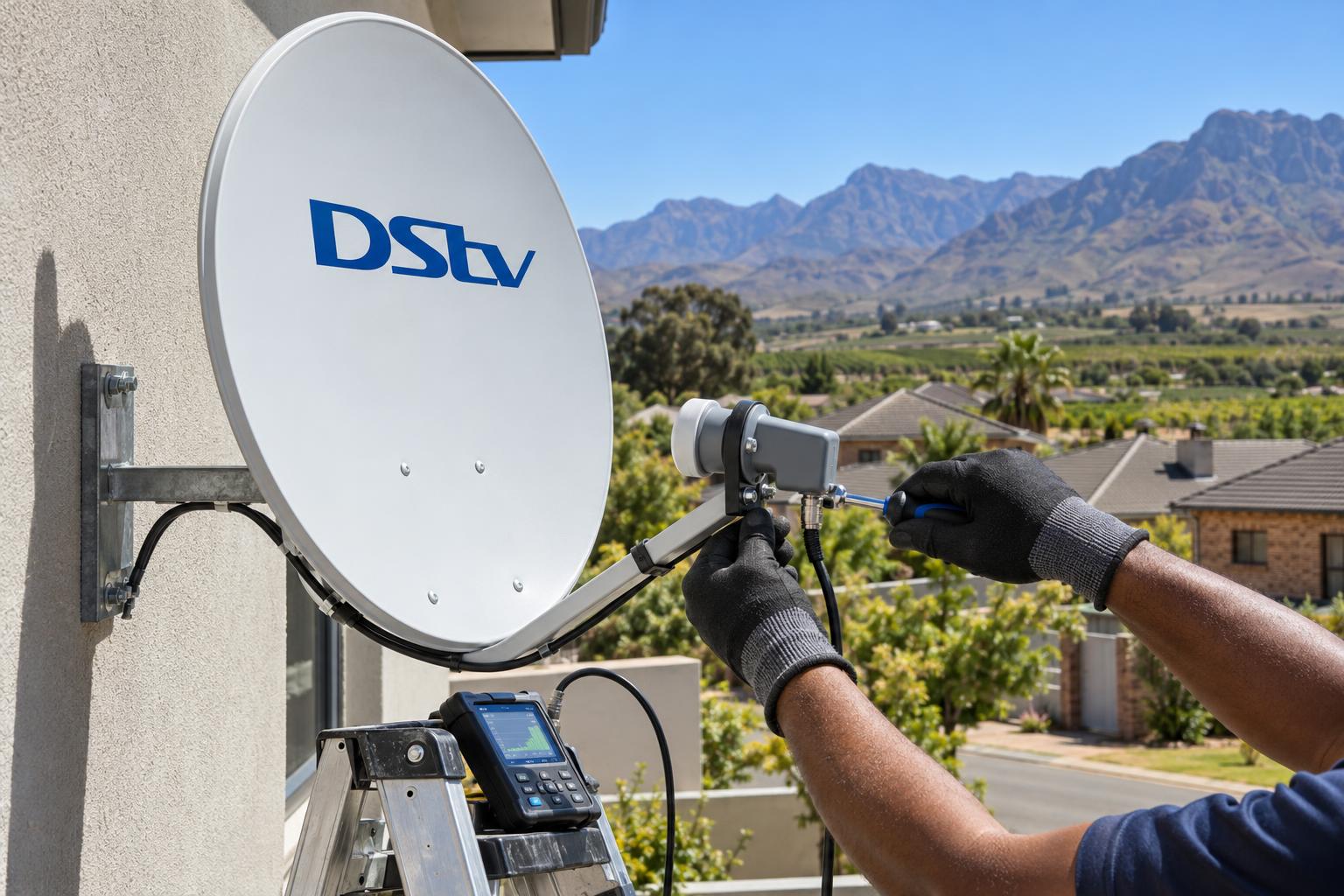
Quick answer: The official DStv Smart LNB price is R449, the recommended retail price at the time of writing (October 2026). Shop prices can be higher, and fitting is extra. You need a Smart LNB for an Explora or Explora Ultra, and for most XtraView setups in a house. If your current LNB works and you are not upgrading, you usually do not need one.
It is a hot Saturday in Worcester. The rugby is about to start, the new Explora Ultra is still in its box, and someone says, "The guy at the shop told us we also need a Smart LNB." So the search begins for the real DStv Smart LNB price Worcester homes actually pay. This guide gives you that number, what fitting adds, and how to tell if you need one at all.
We fit and replace these units across the Breede River Valley every week. The questions are always the same. How much is it? Is it the right one? Can I fit it myself? Let us answer them one by one.
Why Worcester homes ask about the DStv Smart LNB price
Most people only hear the words "Smart LNB" when something changes. They upgrade the decoder, add a second TV, or the picture starts breaking up after a storm.
The LNB is the small unit on the arm in front of your dish. It collects the satellite signal and sends it down the cable to your decoder. If it is the wrong type, a new decoder will not work properly, no matter how much it cost.
That is why the DStv Smart LNB price is only part of the decision. The right part matters more than its size suggests. If you are still choosing a decoder, our guide to DStv decoder prices in Worcester shows what you pay at PEP, Game and Makro, and what installation adds on top.
What a Smart LNB is, and how it differs from a normal LNB
A Smart LNB is an LNB with a switch built into it. DStv designed it so one dish can feed more than one decoder without a separate multiswitch box.
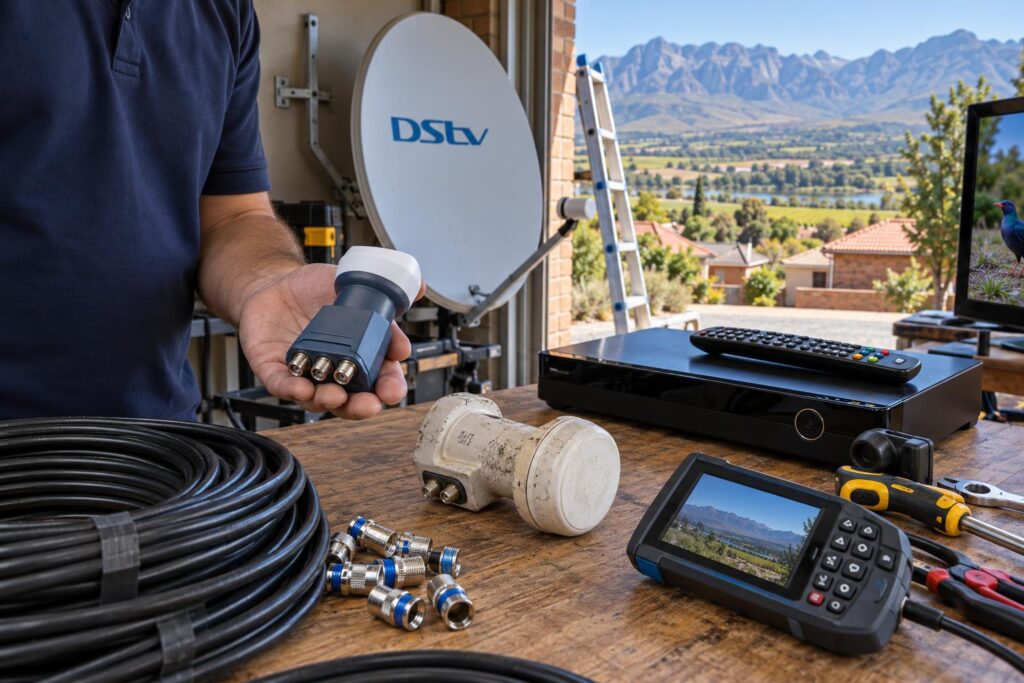
An older universal LNB sends one plain signal per cable. A Smart LNB uses a system called Unicable. It shares many signal bands down a single cable, which the newer decoders know how to read.
Smart LNB vs universal or quad LNB
- Universal (single) LNB: one decoder, one cable. Fine for an older single view setup.
- Twin or quad LNB: two or four plain outputs. Used for older XtraView setups, sometimes with a multiswitch.
- DStv Smart LNB: Unicable outputs plus one normal output. Built for the Explora family and most modern XtraView setups.
Which decoders need a DStv Smart LNB
DStv recommends the Smart LNB for all Explora installations and for most XtraView installations in a stand alone house. All current DStv decoders can run on one. Our DStv Explora Ultra installation always includes a Smart LNB check, because the Ultra needs that clean feed to record and stream properly.
There is one catch. Very old decoders, such as the Dual View and the SD PVR, cannot receive the high band channels even when a Smart LNB is fitted. If you are weighing up an upgrade, read Explora vs HD decoder first.
Flats and complexes are different. Many use a shared dish and a central system, so a Smart LNB on your own wall may not be the answer. Speak to your body corporate first.
DStv Smart LNB price: the part, the fitting and the full job
There are really three prices people mix up when they look up the DStv Smart LNB price. The price of the box on the shelf, the price of fitting it, and the price of fixing whatever else is wrong.
DStv Smart LNB price at the shop
DStv's own help page gives the recommended retail price as R449, at the time of writing (October 2026). You can see it on the official DStv Smart LNB price page. DStv says it is sold through accredited installers, MultiChoice service centres and DStv agencies.
Shelf prices at retailers and online stores often sit above that figure. Stock and model change the number. Check the box says "DStv Smart LNB" and not just "universal LNB".
What fitting adds
The part is only half the story. Fitting is where the DStv Smart LNB price turns into a real total. Someone has to get up to the dish, swap the unit, seal it against weather, and then realign and test the signal. Our pricing for DStv installation in Worcester starts from R550 for a repair or call-out visit, with equipment costs on top.
| Situation | What you pay for | Our starting price |
|---|---|---|
| Smart LNB part only | The unit, DStv RRP R449 (October 2026) | Shelf price varies |
| Swap a faulty LNB | Call-out, fitting, sealing, alignment and testing | From R550 plus the part |
| Upgrade to Explora or Ultra | Decoder setup, Smart LNB, WiFi and testing | From R2,200 plus equipment |
| Add XtraView | Second decoder, LNB and cabling | From R1,800 plus equipment |
So the DStv Smart LNB price on the shelf and the cost of a working setup are two different numbers. These are our published starting prices. A steep roof, a long cable run or a farm address adds time. For the full picture, our DStv installation cost guide explains each cost driver.
Not sure if you need a Smart LNB?
Send us a photo of your dish and decoder label on WhatsApp. We will tell you straight if the part is needed, before you buy anything.
When a Worcester home really needs a Smart LNB
In our experience, there are three good reasons to buy one. Anything else, test first.
You are upgrading to an Explora or Explora Ultra
This is the most common one. An Explora on an old universal LNB may miss channels or fail the setup steps. The Smart LNB and the decoder are made to work together.
You are adding a second decoder
Linking a second box for the kids or the main bedroom usually means a Smart LNB in a house. If you are planning that, our tips on XtraView for a busy household will help you plan the cabling.
Signs the old LNB is failing
- Some channels vanish on a clear, still day.
- Signal quality jumps up and down without a reason.
- The plastic cap is cracked or the housing looks sun bleached.
- There is green rust or water inside the connector.
Before you blame the LNB, look at the numbers on your decoder's signal screen. Our guide to DStv signal strength vs quality shows what healthy readings look like.
When you do not need a new DStv Smart LNB
A lot of LNBs get replaced that were never broken. That is money spent for nothing. Before you pay the DStv Smart LNB price, rule out the cheaper causes.
Pixelation during a heavy Boland storm is often rain fade. It clears when the cloud moves on. A dish knocked a few degrees by wind gives the same symptoms as a dying LNB.
In many cases, proper satellite dish alignment brings the signal back for far less than new parts. We set the dish with a meter, not by eye, and check the LNB while we are up there.
- Your decoder is an HD single view and works fine on the current LNB.
- The fault only shows up in heavy rain and then clears.
- A loose or wet connector is the real cause.
- The dish has moved, but the LNB itself is sound.
How Breede River Valley weather wears out an LNB
An LNB lives outside all year. Here in the valley it gets a hard life.
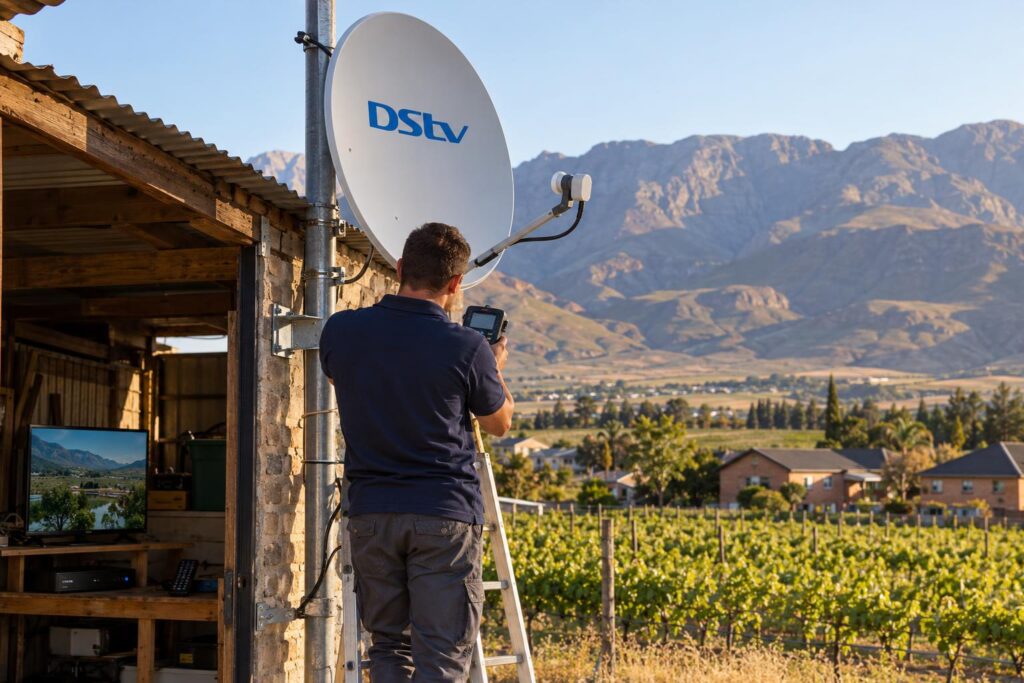
Summer afternoons in Worcester West and Langerug bake the plastic. The wind off the mountains shakes dishes on high walls in Panorama and Fairy Glen. Over time, seals crack and water creeps into the connector.
Out at Rawsonville, De Doorns and Brandvlei, farm dishes often sit on long poles or sheds with long cable runs. A weak LNB shows up faster there, because there is less signal to spare. Summer lightning is another risk, so a surge plug for the decoder is always a good idea.
Holiday homes and rentals have their own problem. Nobody notices the LNB failing until guests arrive. That is when people phone our Worcester DStv installers in a hurry, so a quick check before the busy season saves stress.
Local tip: When load shedding ends, your decoder may need a few minutes to find the signal again. A slow start after a power cut is normal. It is not a sign your LNB has failed.
DStv Smart LNB price checklist before you buy
Use this short list before you pay the DStv Smart LNB price. It stops most of the costly mistakes we see.
Key points to check
- Your decoder model, written on the label under the box.
- How many decoders will share the dish.
- Whether you live in a house or a complex with a shared dish.
- The state of the cable and connectors near the dish.
- Whether the shop box says "DStv Smart LNB".
How to get an honest quote in 5 steps
- Take a photo of the dish, the LNB and the decoder label.
- Note when the problem happens, and which channels drop.
- Tell the installer if you plan to add a second decoder later.
- Ask if the quote includes alignment, sealing and a final signal test.
- Keep the old LNB until the new one is tested and working.
After a new LNB goes on, the decoder often needs its settings run again. Our DStv installation wizard guide walks you through every screen.
A good installer leaves you with a sealed LNB, a dish locked on target, and signal readings you can see for yourself. That is the standard we work to on every job, from Somerset Park to the Worcester CBD.
Get your Smart LNB fitted and tested properly
We replace, align and test in one visit across Worcester and the Breede River Valley. Free, honest quote before any work starts.
DStv Smart LNB price FAQs for Worcester
What is the DStv Smart LNB price in South Africa?
DStv lists the recommended retail price as R449 at the time of writing (October 2026). Retail and online shelf prices can be higher. Fitting, alignment and testing are extra.
Does the DStv Smart LNB price include installation?
No. A boxed unit from a shop is the part only. Our repair visits start from R550, plus the part, and include fitting, sealing and a signal test.
What is the difference between a Smart LNB and a normal LNB?
A Smart LNB has a switch built in. It lets one dish feed several decoders over Unicable, without a separate multiswitch. A normal universal LNB feeds one decoder per cable.
Can I use a Smart LNB with an HD decoder?
Yes. DStv says all its decoders can be installed with a Smart LNB. But if your HD decoder works fine on its current LNB, you do not need to change it.
Can I use a DStv Smart LNB for OpenView?
OpenView uses a different satellite from DStv, so it needs its own correctly aimed dish and LNB. A DStv Smart LNB on a DStv dish will not pick up OpenView. Ask us before mixing the two systems.
Can I replace a DStv Smart LNB myself?
You can swap the part, but it is easy to knock the dish out of line. Roof work is also risky. If the fault is not confirmed, a technician with a signal meter usually saves you money.