Seasonal DStv Maintenance Checklist for Worcester
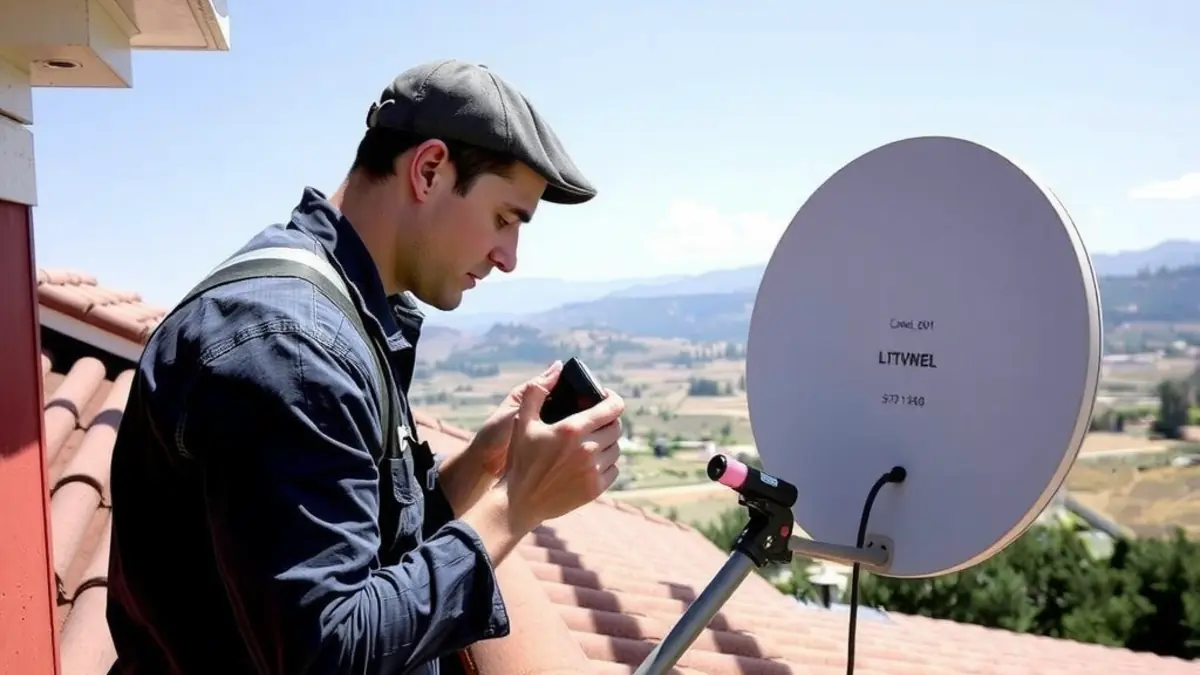
Worcester's hot summers, cooler wetter winters, wind and strong sun place different demands on outdoor satellite equipment throughout the year. A dish system does not need constant adjustment, but simple ground-level observations can reveal loose cable, water entry, vegetation growth or mounting problems before they lead to a complete loss of signal.
This seasonal checklist is for homes, farms, smallholdings, guest properties and businesses across the Breede Valley. It prioritises safe observation. Do not climb onto roofs, work near electrical conductors or handle exterior equipment during storms.
What maintenance can and cannot do
Maintenance helps identify physical deterioration and keep accessible indoor equipment in suitable conditions. It cannot correct a shifted dish without proper measurement, repair damaged roof structures or make incompatible decoder hardware work together. When the signal is unstable, arrange professional testing rather than turning the dish by eye.
If reception has already deteriorated, a DStv signal repair should trace the fault through the dish, LNB, connectors, cable and decoder setup. Replacing the most visible component first can waste money.
Summer checklist: heat, sun and dust
- Check from ground level that exterior cable is still clipped and not hanging loose.
- Look for cracked outer insulation, especially on sun-exposed sections.
- Keep decoder ventilation openings clear and avoid tightly closed cabinets.
- Remove dust around indoor equipment with power isolated according to manufacturer guidance.
- Watch for new tree growth or building work near the dish's signal path.
- Note picture problems that appear at particular times instead of immediately moving equipment.
High indoor temperatures can affect electronic equipment. Leave airflow around the decoder and router, and keep them away from direct sun. Do not cover a decoder with cloth or stack it under other heat-producing devices. If it repeatedly shuts down or feels unusually hot, switch it off safely and seek advice.
Autumn checklist: prepare before wetter weather
Autumn is a useful time to inspect visible exterior routes before winter rain. Look for cable entries where sealant has separated, connectors left exposed, loose clips and branches that may rub against cable in wind. Photograph concerns from a safe position for the installer.
Do not seal over an unidentified connector with household tape. Trapped moisture and unsuitable materials can make future repairs harder. Ask a technician to replace weather-damaged connections correctly.
Winter checklist: rain, wind and safe access
Worcester receives more of its rain in the cooler part of the year, and exposed properties can experience wind. After severe weather, observe whether the dish appears tilted, the bracket has moved or cable is hanging. Never inspect from a ladder while surfaces are wet.
Signal loss during rain does not prove that rain alone is the fault. A marginally aligned dish, failing connector, damaged cable or unstable mount may become more noticeable in poor weather. Professional satellite dish alignment uses measurement and should include a physical mounting check.
Spring checklist: growth, pests and property changes
- Check whether leaves or new branches have grown into the signal path.
- Look for nests or animal damage without disturbing wildlife or climbing.
- Review cable routes after renovations, painting or roof work.
- Test all viewing points that may not have been used during winter.
- Confirm that labels and installation notes are still available.
If trees need substantial cutting, use a competent tree professional, particularly near power lines or buildings. The installer can identify the relevant signal direction, but tree work and electrical hazards require the appropriate specialist.
A month-by-month practical schedule
| Period | Useful check | Action if a problem is found |
|---|---|---|
| Early summer | Ventilation and sun-exposed cable | Clear airflow and book cable assessment |
| Late summer | Dust, vegetation and mounting appearance | Record changes from ground level |
| Before winter | Visible seals, clips and cable entries | Repair weather protection professionally |
| After major winter weather | Dish angle, bracket and hanging cable | Avoid roof access and arrange testing |
| Spring | Tree growth and renovation damage | Clear hazards with the right specialist |
Indoor equipment maintenance
Keep the decoder, power supply and router dry, ventilated and accessible. Avoid pulling cables when cleaning. Check that HDMI and power leads are not pinched behind furniture. Children and pets should not be able to tug on loose cables.
Use a normal supported restart when troubleshooting, not repeated hard power cycling. Record error messages before restarting because they can help diagnosis. If only the television picture is missing while the decoder appears normal, verify the selected input and HDMI connection.
Maintenance for mounted televisions
Inspect a wall-mounted television from floor level for obvious movement, cable strain or a bracket cover pulling away. Do not loosen mounting bolts to test them. If the wall, bracket or television has shifted, stop using the area beneath it and arrange TV wall-mounting assessment.
Renovations are a common source of accidental damage. Painters, roofers and builders should know where signal cables run. Test the television after work while contractors are still available to address any damage within their scope.
Maintenance at farms and outlying properties
On farms, check exposed runs after machinery work, animal activity and vegetation clearing. Keep a basic route diagram so staff know which cable belongs to the television system. Do not attach new fencing, irrigation or electrical wiring to satellite brackets or cable supports.
Arrange access information before a maintenance visit, including gates, road condition and the responsible person on site. If several buildings share services, identify which rooms are affected. A fault affecting one television suggests a different starting point from a fault affecting every building.
Communal and business systems
Shared systems should have an authorised person and a maintenance record. Individual residents or staff should not change common amplifiers, splitters or distribution cables without approval. One undocumented adjustment can disrupt several users.
For blocks or estates, a communal DStv service can distinguish a building-wide issue from a fault inside one unit. For businesses, schedule checks around trading needs and document which screens, equipment rooms and controls are included.
Warning signs that need professional attention
- Signal errors affecting several channels or decoders.
- Reception that changes with light wind or repeats after weather.
- A visibly loose, bent or shifted dish or bracket.
- Cracked cable, corroded connectors or signs of water entry.
- A decoder that overheats, smells unusual or repeatedly loses power.
- Damage after roof work, lightning or building alterations.
- Any cable near exposed electrical conductors.
For electrical smell, heat, smoke or sparking, disconnect power only if it is safe and contact the appropriate emergency or electrical professional. Satellite installers should not be used as substitutes for qualified electrical work.
Keep a simple maintenance record
Record the installation date, decoder model, major parts, cable routes and previous faults. Add dated photos taken safely from the same ground-level positions. This helps a technician see whether a dish or cable has changed and prevents repeated diagnosis from zero.
Save invoices and details of approved work. In rentals or managed properties, send records to the owner or property manager. Clear documentation is especially valuable when different contractors work on the roof or walls.
When to schedule preventative attention
There is no universal calendar interval that suits every installation. Consider an assessment when visible deterioration appears, after major building work, before a busy hospitality period or when intermittent symptoms begin. Systems in exposed, dusty or high-traffic locations may need observation more often than protected suburban installations.
The aim is not to replace working equipment without reason. It is to find mounting, cable and environment problems early, test them properly and repair only what is needed. A short seasonal check from safe ground level is a practical habit for Worcester properties.
Frequently asked questions
How often should a DStv dish be realigned?
A secure dish should not need routine realignment on a fixed calendar. Arrange testing if signal deteriorates, the mount moves or work near the dish may have disturbed it.
Can I clean the satellite dish myself?
Do not climb or work where access is unsafe. Light surface dust is rarely a reason to risk roof access; ask an installer if debris or damage is genuinely affecting reception.
Why does my signal fail mainly in bad weather?
Weather can expose an already marginal installation. Alignment, mounting, connectors and cable condition should be tested rather than assuming rain is the only cause.
Should I switch the decoder off during a storm?
Follow manufacturer and electrical safety guidance. Never touch exterior satellite equipment during a storm, and seek qualified help for lightning or supply damage.
Can roof contractors damage DStv reception?
Yes. A dish, bracket or cable can be moved or damaged during roof work. Show contractors the route and test reception once work is complete.