Use My DStv Decoder at Another House in Worcester: 4 Myths
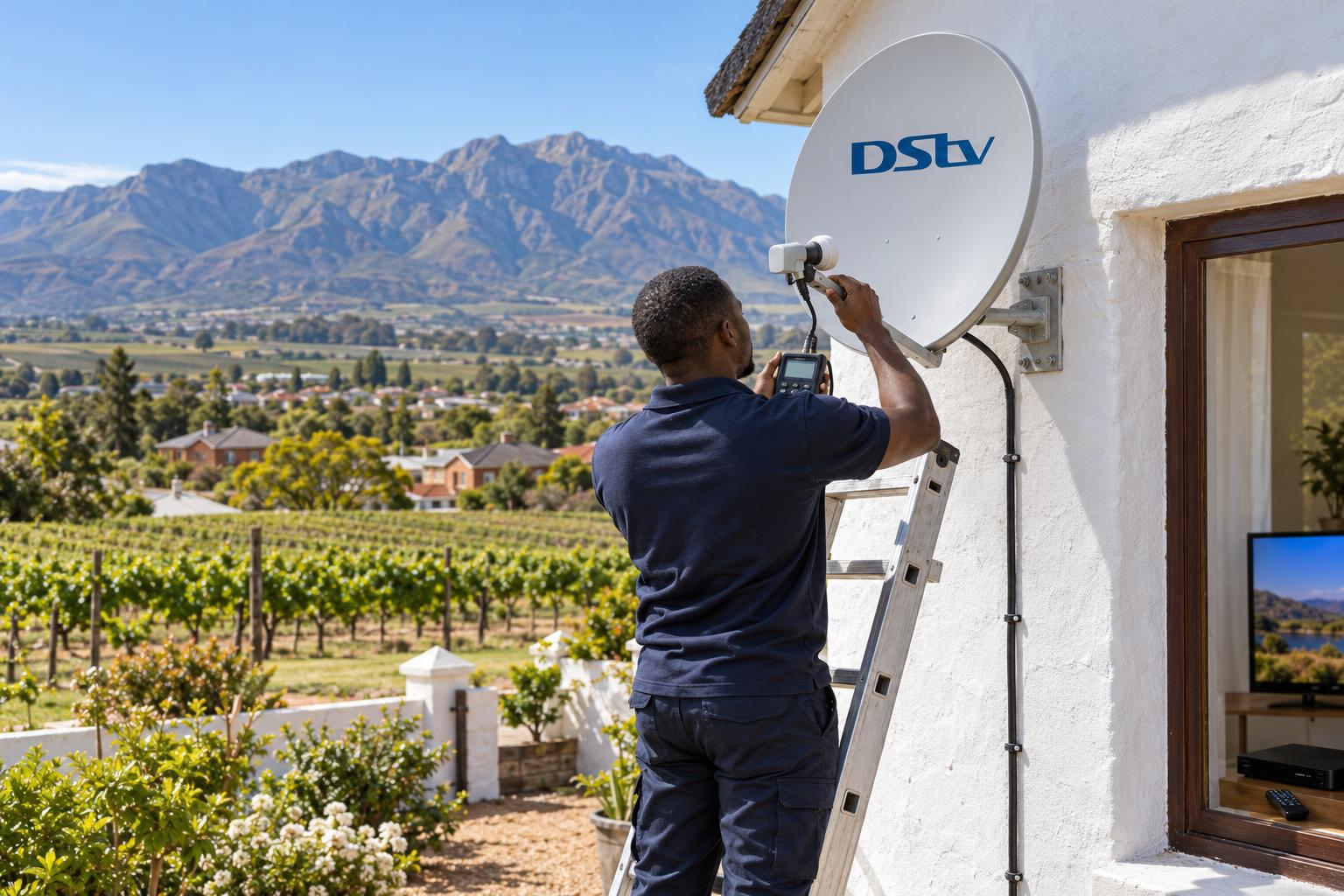
Quick answer: Can I use my DStv decoder at another house? Yes. Your subscription follows your decoder and smartcard, not your street address. The new house needs a working DStv dish, a compatible LNB and good cable, and the decoder may need a quick setup and an error refresh. You can only watch on one primary decoder at a time, unless you pay for a second subscription.
The question "can I use my DStv decoder at another house Worcester side?" lands on our phone almost every week. Sometimes it is a family moving from Langerug to Fairy Glen. Sometimes it is someone with a weekend cottage in Rawsonville or a farmhouse out past De Doorns. The answer is good news, but there are a few myths that cause a lot of wasted trips.
Common myths about taking your decoder to another house
Ask ten neighbours "can I use my DStv decoder at another house?" and you will get ten different answers. Let us clear up the four myths we hear most often.
Myth 1: "I cannot use my DStv decoder at another house"
Fact: Many people think the decoder only works at the address where it was installed. DStv does not lock your decoder to a house. Your subscription is linked to your account, your decoder and its smartcard. Plug it into a correctly aligned DStv dish anywhere in South Africa and it can pick up the same channels.
Myth 2: "I can just plug it in and it will work"
Fact: The decoder is only half the system. The other house needs a dish pointed at the right satellite, an LNB that suits your decoder and cable that is still in good shape. A dish that has stood unused on a holiday house for a year is often slightly off its aim, or has a perished connector.
Myth 3: "My XtraView decoder can live at the farm"
Fact: XtraView links two or three decoders on one installation in one home. It is meant for extra rooms, not extra properties. Take a linked decoder to a different house and it will not keep working as part of the link.
Myth 4: "One subscription covers both houses at the same time"
Fact: One subscription runs on one primary decoder. You can move that decoder between houses as often as you like. But if you want DStv running at home and at the holiday house at the same time, you need a second active subscription.
The facts: how to use my DStv decoder at another house
When a customer asks us "can I use my DStv decoder at another house?", our answer depends on three things. They are the dish, the decoder type and your account.
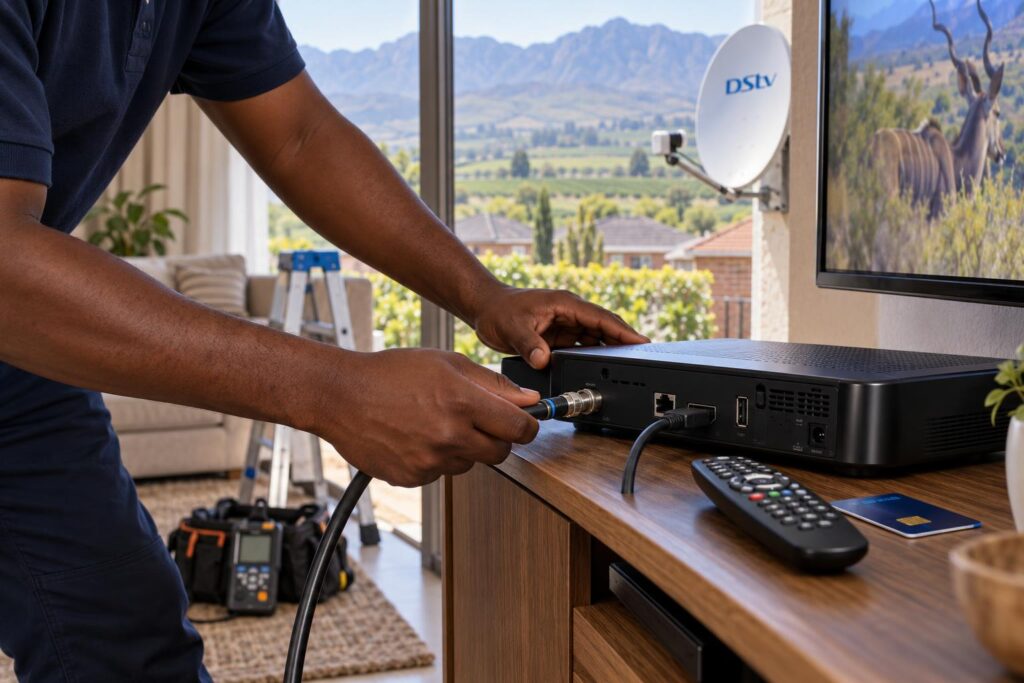
The dish at the other house
Every DStv decoder in South Africa receives signal from the same satellite. That means any DStv dish that is aimed correctly and in good repair can feed your decoder. The dish does not need to be "yours". It just needs to be sound, aligned and connected with decent cable.
What usually goes wrong:
- The dish has been knocked slightly off its aim by wind.
- Water has crept into a connector and corroded it.
- Cable has cracked in the sun and leaks signal.
- A tree has grown into the dish's line of sight.
If the picture freezes or breaks up, it helps to check signal strength and quality on the decoder before you blame the decoder itself.
Your decoder type and the LNB
An older single view setup at a holiday house may not have the LNB your newer decoder expects. DStv recommends a DStv Smart LNB with an 80cm dish for most XtraView installations, and an Explora is happiest on a modern LNB. If you are not sure which decoder you have or which one suits a second home, our guide on the Explora versus HD decoder explains the difference in plain terms.
Your account
Your account must be active and paid up. After a long switch off, the decoder may also need its signal refreshed before the channels open. DStv lets you clear errors through the MyDStv app, the DStv WhatsApp line or by dialling *120*68584# on your phone. Their official DStv help and contact page lists every channel.
What this means for Worcester homes, holiday homes and farms
The Breede River Valley is not like a city suburb. Out here, "can I use my DStv decoder at another house?" is really a question about heat, wind and distance.
Summer heat and winter storms
Worcester summers bake cable and plastic connectors on a roof. A dish on a cottage in Brandvlei that nobody checked since last December can look fine from the ground and still lose half its signal at the connector. Winter cold fronts bring strong wind that can shift a dish that was never bolted down properly. Our seasonal DStv maintenance checklist covers the simple checks to do before a long weekend away.
Farms and smallholdings
On farms the dish is often on a shed, a water tower or a pole far from the house. Long cable runs lose signal, and mountain slopes or tall trees can block the view of the satellite. If your second property is a farm, our notes on DStv on Breede Valley farms explain what we look for on site.
Load shedding and power surges
Power that cuts out and surges back can damage a decoder's power supply. When you take your decoder away, take its own power supply and a surge plug with you.
Local tip: If you are moving between two homes in town, say from Avian Park to Somerset Park, look at the new dish in daylight first. If it points into a tree or hangs at an angle, book a quick check before moving day so your decoder works from the first evening.
Taking your decoder to a new house or holiday home?
We check the dish, fit the right LNB, set up your decoder and test every channel before we leave.
XtraView decoders and second homes
Many Worcester families run XtraView with an Explora in the lounge and a second decoder in the main bedroom. That works well, because both decoders share one dish installation in one home.
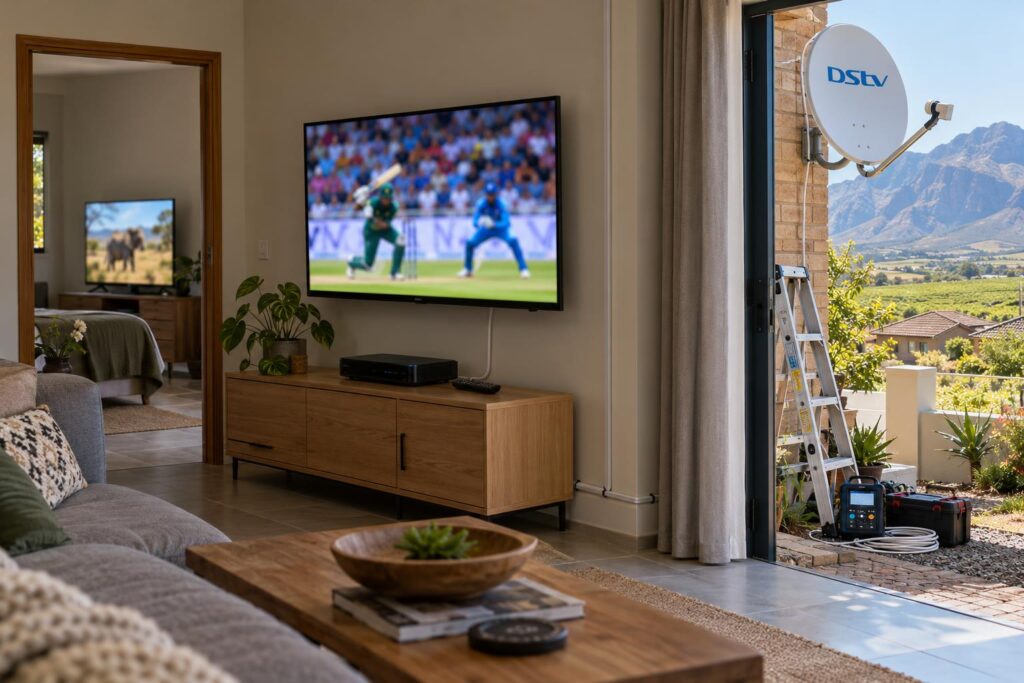
DStv's own XtraView rules also say that linked decoders must carry the same package. When three decoders are linked, the primary one must be an Explora.
So the common follow-up, "can I use my DStv decoder at another house if it is on XtraView?", needs a careful answer. Here are your choices.
- Move the primary decoder: take your main decoder with you and leave the linked one at home switched off.
- Unlink a decoder: remove it from XtraView and give it its own subscription for the other property.
- Stream instead: use the DStv Stream app on a phone or smart TV with your login, if the other house has decent data or Wi-Fi.
If you are changing your XtraView setup at home at the same time, our DStv installation in Worcester service covers rewiring the lounge and bedroom so the remaining decoders still work properly.
Moving house or visiting for the weekend: options and costs
People who ask "how do I use my DStv decoder at another house?" are usually in one of two situations. They are moving for good, or going away for the holidays. This table shows the usual routes.
| Your situation | What usually works | What it can cost |
|---|---|---|
| Moving house for good, e.g. CBD to Panorama | Move the dish too, or use the dish at the new house, then reconnect | Quoted per job, depending on height, cable and travel |
| Holiday home with a good DStv dish | Take your decoder, plug in, run setup | Free if the dish is sound |
| Holiday home with an old or damaged dish | Dish check, realignment, cable or LNB fix | Repairs and call-outs from R550, parts extra |
| House with no dish at all | Basic new installation | From R800, equipment extra |
| TV at both houses at the same time | Second decoder with its own subscription | Decoder price plus a second monthly package |
These are the same starting prices we publish across our site. Final amounts depend on the property, so read our DStv installation cost guide before you compare quotes.
Moving the dish with you
When you sell a house in Worcester West and move across town, you can take the dish along if the new house has none. We take it down carefully, remount it, realign it for the new line of sight and replace any cable that has perished. Our DStv relocations and reconnections service is built for exactly this job.
Step by step: use my DStv decoder at another house
"I want to use my DStv decoder at another house this weekend." That is how most callers put it. If the dish there is in good shape, you can usually do it yourself with these steps.
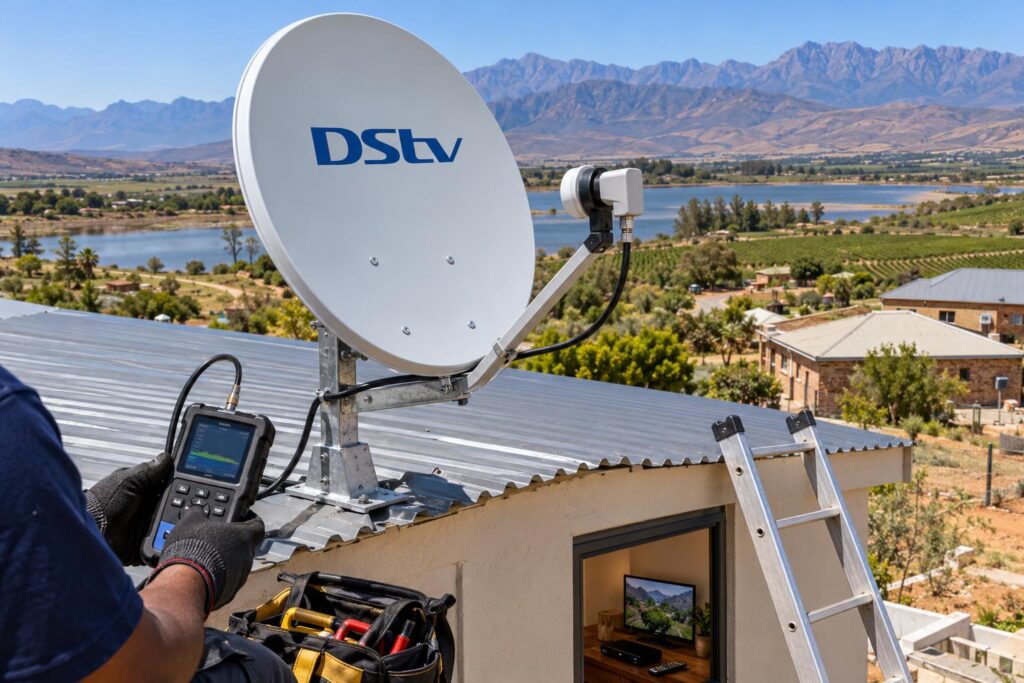
- Pack the decoder, its smartcard, the remote, the power supply and the HDMI cable. Leave nothing behind.
- At the other house, find the dish cable and check that the connector is clean, dry and screwed on firmly.
- Connect the dish cable to the decoder, then the HDMI cable to the TV.
- Switch on and let the decoder finish any software update. Do not unplug it while it updates.
- If the decoder asks, run the setup steps. Our DStv installation wizard guide explains each screen.
- Check the signal readings in the menu. Weak or zero signal points to the dish, not your decoder.
- If channels show an error, make sure your account is paid, then clear the error through the MyDStv app, WhatsApp or USSD.
- Wait a few minutes with the decoder on a channel. Most refreshes arrive within that time.
If you still have no picture after these steps, stop there. A small turn of the dish can lose the signal completely, so leave the roof to us.
Checklist before you take your decoder away
We call this our "use my DStv decoder at another house" checklist, because that is exactly how people ask. Run through it a day or two before you leave. It saves a wasted drive and a quiet evening with a blank TV.
Key points before you go
- Your DStv account is active and paid for the coming month.
- The other house has a DStv dish that you have seen in the last few months.
- You know if your decoder is an Explora or an HD decoder.
- Your decoder is not the linked XtraView decoder, or you have planned for it.
- You have the smartcard, remote, power supply and HDMI cable packed.
- You have saved our number in case the dish needs attention.
For holiday homes and guest cottages that sit empty for months, book a check before the busy season rather than on the Friday you arrive. Our Worcester DStv installers cover Rawsonville, De Doorns, Brandvlei and the rest of the valley, so we can get to most properties within the week.
Need the other house ready before you arrive?
Tell us both addresses and the decoder you have. We will plan the move, test the dish and make sure everything works on day one.
A decoder is portable. A dish is not. Once you see it that way, using your DStv in two places becomes simple planning.
FAQ: use my DStv decoder at another house
Can I use my DStv decoder at another house?
Yes. Your subscription is linked to your account and decoder, not to your address. The other house needs a correctly aligned DStv dish with a compatible LNB and good cable. You may need to run the setup steps and clear an error once it is connected.
Can I use my DStv decoder at another house without a dish?
No. A DStv decoder needs a satellite dish to receive the channels. Without a dish you can only watch through the DStv Stream app using data or Wi-Fi. If the other house has no dish, a basic installation starts from R800, equipment extra.
Can I use my DStv XtraView decoder at another house?
Not as part of your XtraView link. XtraView is designed for decoders that share one dish installation in one home. To use that decoder at another property, it has to be unlinked and given its own subscription.
Do I need to tell DStv if I use my DStv decoder at another house?
For a short trip, the decoder simply needs a working dish and an active account. If you are moving house for good, keep your address and contact details up to date on your account. If an error appears after the move, clear it through the MyDStv app, WhatsApp or by dialling *120*68584#.
Can I use my DStv decoder at another house and still watch at home?
Not on the same subscription at the same time. You need a second active subscription on a second decoder. One subscription runs on one primary decoder. Many families simply take their main decoder along on holiday instead.
Why is there no signal when I use my DStv decoder at another house?
Usually the dish there is slightly off its aim, a connector is wet or corroded, or the LNB does not suit your decoder. Check the cable connections first. If the signal reading stays at zero, the dish needs a technician with a signal meter.