DStv Installation Wizard in Worcester: 9 Steps and Easy Fixes
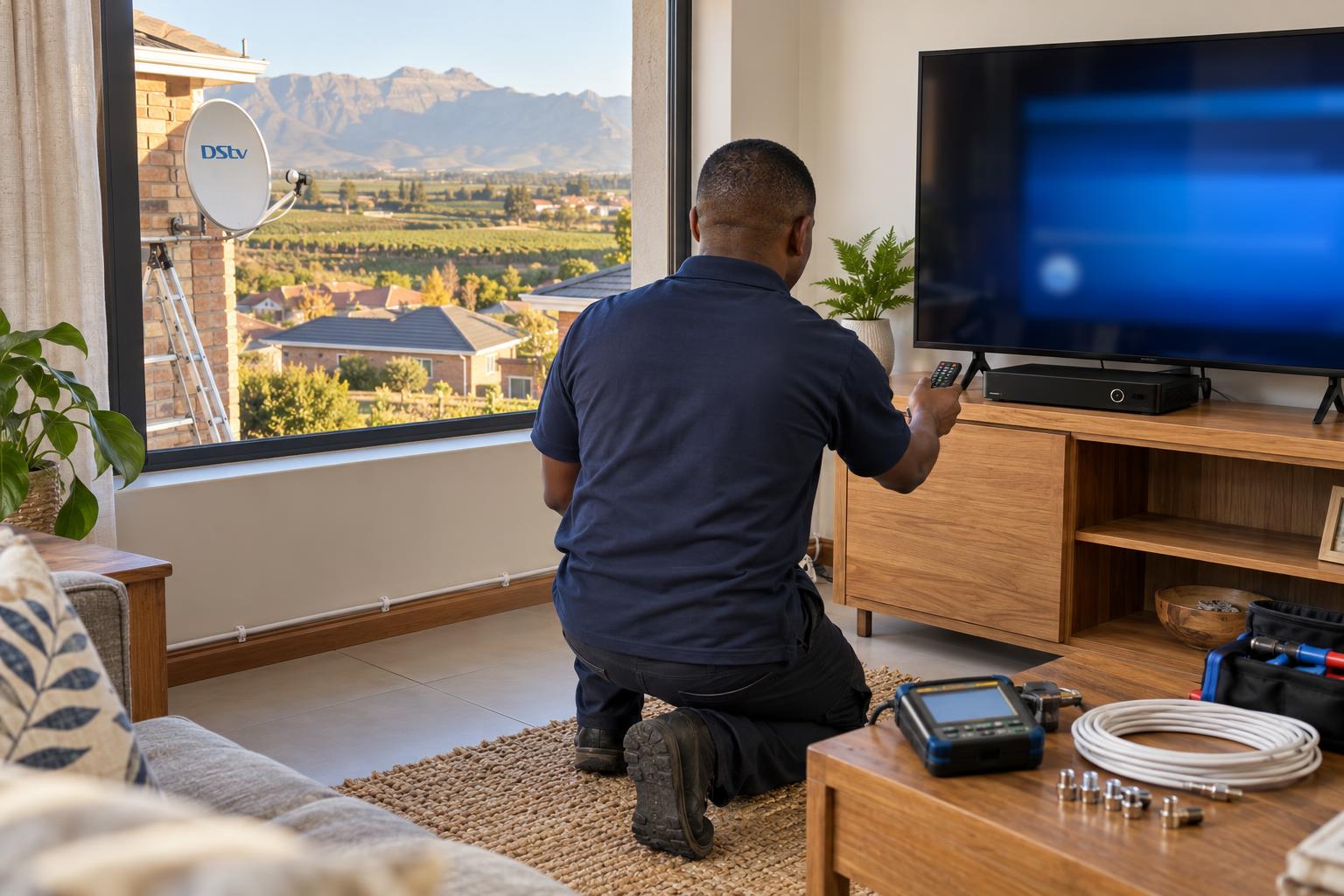
Quick answer: The DStv installation wizard is the setup menu that tells your decoder which dish and LNB it is connected to, checks the signal and scans in your channels. Open it from Settings, then Satellite Settings, and follow the screens one by one. If it stops at the signal step (often shown as step 4 of 5), the problem is almost always the dish, the LNB or a cable, not the menu.
Welcome to our DStv installation wizard Worcester guide. The wizard is the same menu every DStv decoder uses, and most people only meet it on a bad day. A new decoder arrives, the power comes back after an outage, or the TV suddenly shows a setup screen. This guide walks you through every step, explains what each screen means and shows where people get stuck. We will tell you honestly when a fix is a menu job and when it is a ladder job.
Key points before you start
- The wizard sets up the decoder. It cannot move or repair a dish.
- Leave the default satellite and frequency settings alone unless a technician asks you to change them.
- The signal step is where most people get stuck. Low bars there mean a physical fault.
- Never switch off the decoder while it scans for channels.
- After the scan, the decoder may still need to be activated on your account before channels show.
What you need before you run the DStv installation wizard
Five minutes of checking first saves a lot of frustration. Most failed wizard attempts we see started with something simple that was missed.
- A working remote. If buttons do nothing, sort that first. Our guide on a DStv remote not working covers batteries, pairing and the quick tests.
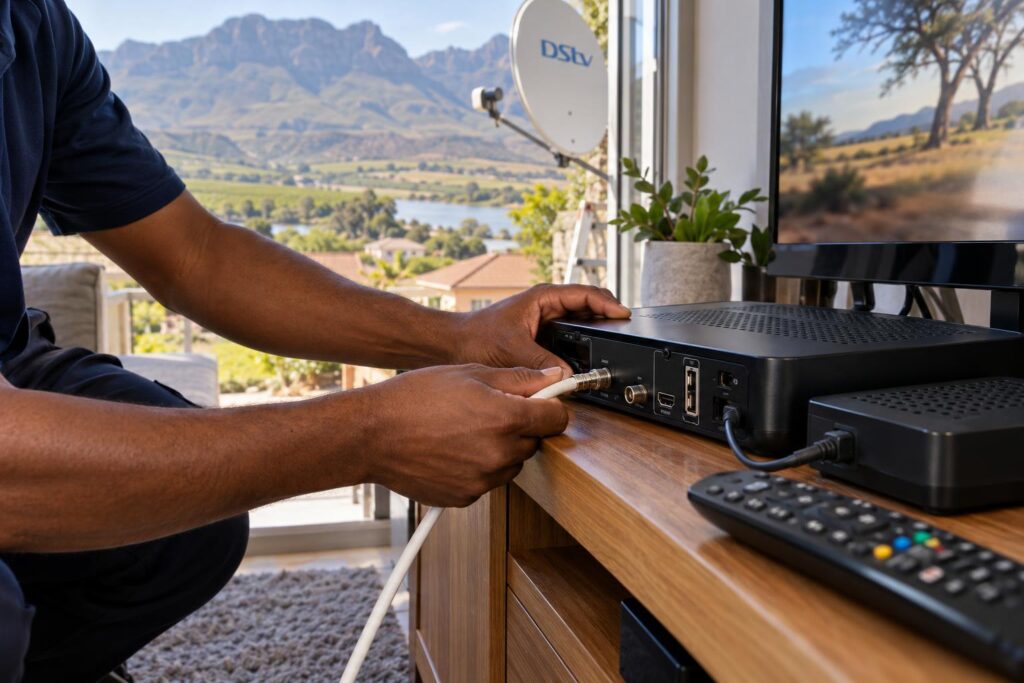
- The dish cable firmly in the decoder. It goes into the satellite input at the back. On an Explora it usually connects through the DStv Switch that comes in the box.
- Your LNB type. A single, twin or quad LNB, a Smart LNB or a complex system all need different choices in the wizard.
- Clear weather. Heavy rain or a thick storm front can weaken the signal for a while, so run the wizard on a clear day if you can.
Not sure which LNB you have? Count the cable outlets on the part at the end of the dish arm, from the ground. Please do not climb onto a roof to check.
Which decoders use the installation wizard
Every current DStv decoder has an installation wizard, including the Explora, Explora Ultra and HD single view decoders. DStv's own Explora quick guide says the wizard guides you through the first time set up. The wording and number of steps vary by model, but the flow is the same.
DStv installation wizard steps, one by one
Here is the flow our technicians follow on site. Your screens may use slightly different words, so match the idea rather than the label.
- Open the menu. Press the DStv or Menu button on your remote, go to Settings, then Satellite Settings. On some decoders it sits under Installation.
- Launch the installation wizard. Choose Installation Wizard and press OK. The screen confirms you are starting the setup.
- Choose your language. Pick English or your preferred language and press OK.
- Confirm the satellite. The decoder shows the satellite set for your region. In South Africa, leave the default as it is and press OK.
- Pick quick or manual setup. Quick setup suits a Smart LNB. Manual setup suits an older single, twin or quad LNB.
- Set the LNB type. Choose the option that matches your dish, then move down and press OK.
- Check the signal. The decoder tests each tuner and shows signal bars. Wait until every tuner shows a steady signal before you press OK. DStv's Explora guide says to wait for all three tuners to show signal.
- Let the channel scan finish. This takes a few minutes. Do not unplug anything while it runs.
- Save and exit. The decoder restarts or jumps to live TV. If channels are missing, the decoder may still need activation on your account.
On a well aligned dish, the whole process takes about ten minutes.
| Wizard stage | What it does | Where people get stuck |
|---|---|---|
| Satellite | Points the decoder to the right satellite settings | Changing defaults by accident |
| Setup type | Quick setup or manual setup | Picking quick setup on an old LNB |
| LNB type | Matches the decoder to your LNB | Wrong LNB type, so tuners show nothing |
| Signal check | Tests each tuner for signal | Low or no bars, often step 4 of 5 |
| Channel scan | Loads the channel list | Power cut or unplugging mid-scan |
Troubleshooting each step of the installation wizard
Most problems show up at one of four points. Find the screen you are stuck on below and work through it in order.
Stuck before the wizard opens
If the menu will not open, the remote is the usual cause. Try fresh batteries and point the remote straight at the decoder. If the decoder shows a setup screen at every start, it usually lost its settings after a power cut. Running the wizard again normally clears it.
Wrong setup type or LNB type
Choosing the wrong LNB type is the most common mistake we fix. An Explora on an old twin LNB with the wrong option selected will show empty tuners, even with a perfect dish. Go back one screen and try the option that matches your LNB.
An Explora usually gets its signal through a Smart LNB or the DStv Switch that comes in the box. If you are not sure which you need, our article on when you need a Smart LNB explains the difference in plain terms.
Stuck on step 4: low signal or no signal
This is the one most people search for. The signal bars stay low, flicker or stay empty, and you may see a low signal message.
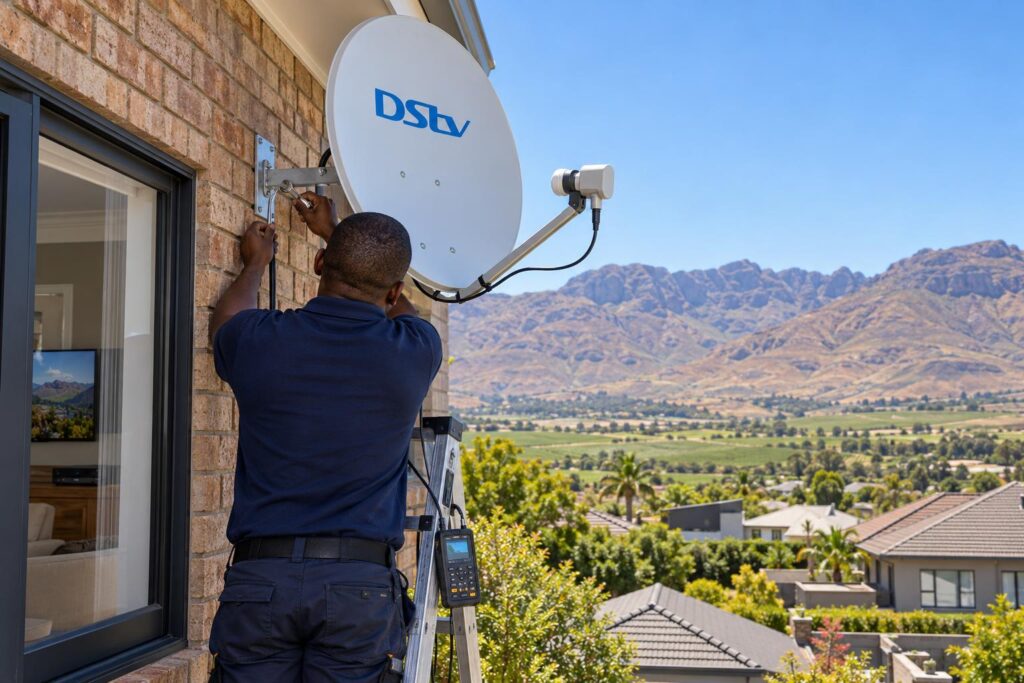
At this point the menu has done its job. It is telling you the signal is not reaching the decoder. Try these checks first:
- Switch the decoder off at the wall, wait at least 10 seconds and switch it back on. This is DStv's own first step for an E48 searching for signal error.
- Check that the cable is firmly screwed into the decoder and into the wall plate, if you have one.
- Look at the dish from the ground. Has it moved, tilted or been knocked during roof or gutter work?
- Check for new tree growth blocking the dish's view of the sky.
If the bars still do not climb, the dish needs to be aimed again with a proper meter. That is exactly what our satellite dish alignment visits are for.
Scan finishes but channels are missing
A full scan with no picture usually means the decoder is not active yet, or the subscription has lapsed. Allow the account process to finish and follow DStv's official steps on its E48 error help page if you see a signal message again.
Stuck on the signal step?
We test the dish, LNB and cable with a meter and run the wizard with you, so you know it is done properly. Same-week visits around Worcester and the Breede River Valley.
Reading the signal screen in the installation wizard
The signal screen shows two readings, and both matter. Signal strength is how much signal arrives from the dish. Signal quality is how clean that signal is once it reaches the decoder.
You can have strong bars for strength and weak bars for quality. That usually points to water in a connector, an old LNB or damaged cable. We explain this in more detail in our guide to signal strength vs signal quality.
- Both readings steady and well filled: carry on with the scan.
- Strength fine, quality low or jumping: check connectors and cable for damage or moisture.
- Both low: the dish is likely off target or blocked.
- One tuner empty on an Explora: a cable, switch or LNB output problem.
Worcester conditions that trip up the DStv installation wizard
Our valley adds its own problems. These are the local causes we find most often when a decoder will not pass the signal step.
Wind, heat and dust in town
The afternoon wind off the Brandwacht and Hex River mountains slowly works a loose bracket out of line. We see it on double storeys in Langerug and Fairy Glen, where dishes sit high and catch the full gust. Summer heat bakes cheap cable, and dust gets into unsealed connectors.
A dish that drifts a degree or two can still pass on a calm day, then fail the signal check on a windy afternoon.
Power cuts during the scan
Load shedding and storm outages are a real risk if the power drops halfway through the channel scan. The decoder may then boot straight back into the setup screen. If your area in Worcester West or Somerset Park has a scheduled outage, wait until the power has been back for a while before you start.
Local tip: Check your outage schedule before you run the wizard. Ten minutes of steady power is all you need, but losing power mid-scan means starting again from the first screen.
Farms and long cable runs
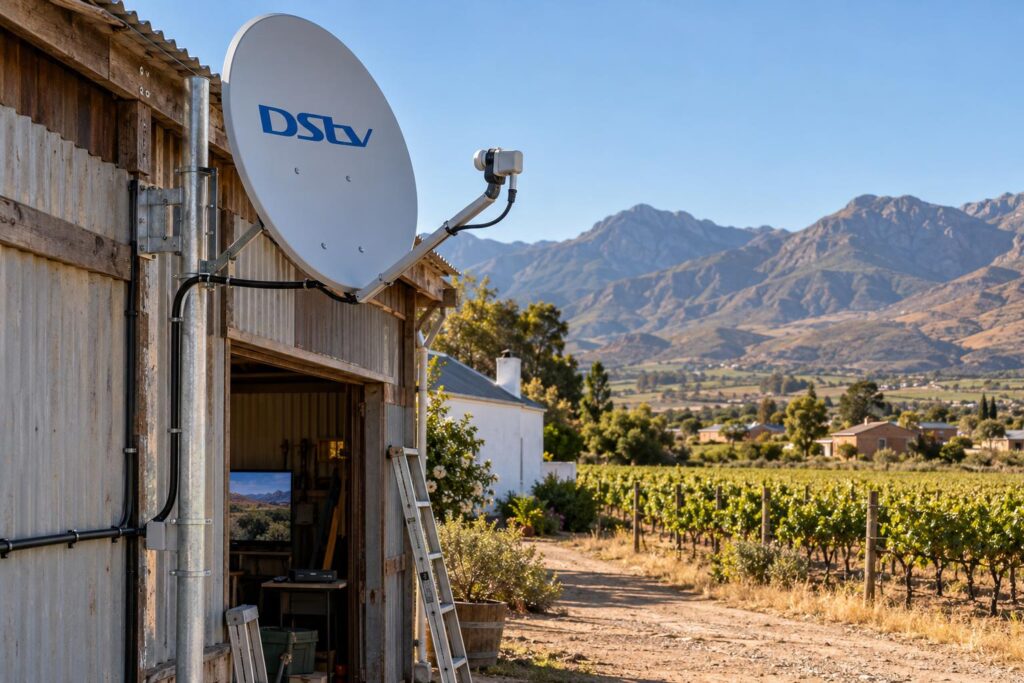
On farms around Rawsonville, De Doorns and Brandvlei, the dish often sits on a shed or pole far from the house. A long cable run loses signal along the way, and that loss shows up on the wizard's signal screen. Our guide to DStv on farms and smallholdings covers the extra planning these properties need.
Winter cold fronts bring heavy rain across the Breede River Valley. A dish with little signal margin can fail the wizard during a storm and pass it the next morning. If your picture has dropped after bad weather, read our checks for no signal after a storm before you start the wizard.
When to call a technician instead
The wizard suits a new decoder, a decoder swap or lost settings. It cannot fix a moved dish, a dead LNB or a broken cable. Stop and call in help when:
- The signal bars stay at zero or one bar after you have checked the cables and restarted.
- The wizard says the LNB is not detected.
- Signal was fine last week and dropped after wind, a storm or roof work.
- One Explora tuner never shows signal while the others do.
- You are moving a decoder to a new home with an unknown dish.
If the whole system is old or you are starting from scratch, our new DStv installation covers the dish, LNB, cabling and the wizard in one visit.
We handle DStv installation in Worcester homes, flats and businesses every week, so we know which streets catch the wind.
On a repair visit we test the signal, fix the fault and run the wizard with you. Our call-out and repair work starts from R550, and a basic installation starts from R800, with equipment priced separately. You get a clear quote before any work starts.
Want it done right the first time?
Our local team fixes the dish, LNB and cable faults the wizard cannot, from Avian Park to Panorama and out to the farms.
A quick check after the wizard finishes
Once the scan is done, flick through a few channels. If they all play smoothly, you are finished.
If the picture freezes or blocks up on some channels, the signal margin is thin and the next storm will show it. That is a good time to have our Worcester DStv installers check the alignment before winter.
Keep a note of the LNB type and setup option that worked. Next time, you will be through in a few minutes.
DStv installation wizard FAQs
What is the DStv installation wizard?
It is the built-in setup menu on DStv decoders. It tells the decoder which satellite and LNB it is using, checks the signal and scans in your channels. You use it for a new decoder, a decoder swap or after the settings are lost.
Why is my DStv showing the installation wizard?
The decoder usually lost its settings after a power cut, a reset or a software update. It can also happen if the decoder cannot find any signal when it starts. Run the wizard again and check the signal screen carefully.
Why is my DStv installation wizard stuck on step 4 of 5?
That step is the signal check. If the bars stay low or empty, the decoder is not getting enough signal from the dish. Check the cables and restart the decoder at the wall, and if the bars still do not climb, the dish or LNB needs a technician.
How do I get out of the DStv installation wizard?
The best way out is to finish it, because the decoder needs those settings to show channels. If you exit early, it will usually return to the setup screen next time it starts. If it will not finish, the signal problem must be fixed first.
Why is the installation wizard not scanning channels?
The scan only starts once the decoder has a usable signal. A wrong LNB type, a loose cable or a dish that is off target will stop it. Go back, check the LNB type and make sure the signal bars are steady before you press OK.
Can a technician run the installation wizard for me in Worcester?
Yes. We run the wizard as part of every new installation, dish alignment and decoder setup. We test the signal with a meter first, so the wizard passes the first time.