DStv Signal Strength in Worcester: How to Check It in 7 Steps
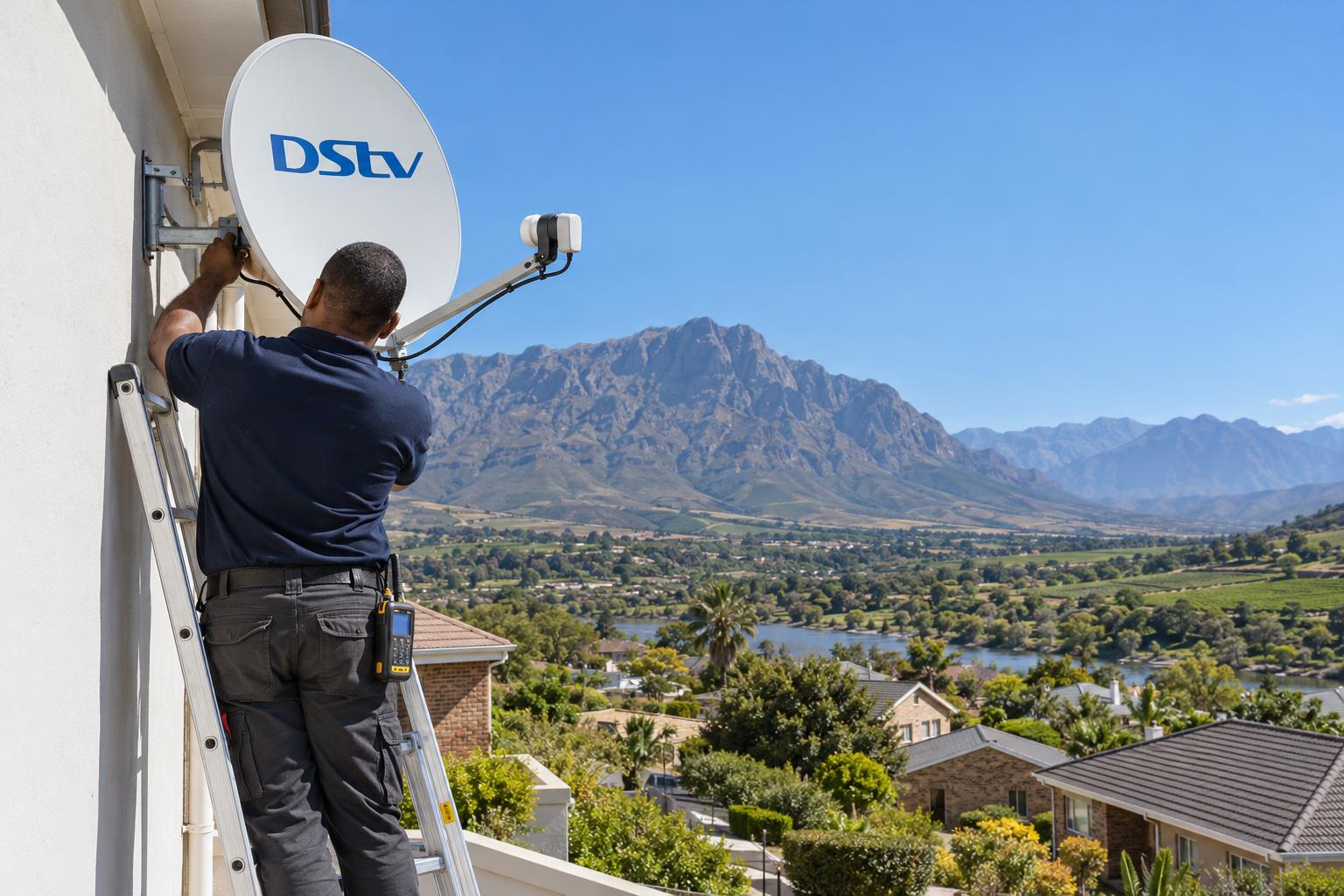
Quick answer: On most DStv HD decoders, press the HELP button on the remote, choose General Information, then Tuner Status. You will see two bars: signal strength and signal quality. DStv says both should sit above 50%, and an Explora normally reads about 15 to 20% lower than other decoders. If quality is low or jumps around, the dish, LNB or cabling usually needs attention.
Your picture freezes, the blocks appear, and someone in the house says "check the signal". This DStv signal strength Worcester guide explains where to find the numbers, what they really mean, and what to do next. We check these readings on every job across the valley, so we will keep it simple.
Key points before you start
- DStv signal strength tells you how much signal arrives at the decoder.
- Signal quality tells you how clean and usable that signal is.
- Quality matters more. A high strength bar with low quality still breaks up.
- DStv's own guidance is that both readings should be above 50%.
- An Explora shows lower numbers than an HD decoder, and that is normal.
- Most low readings come from the dish, the LNB or the cable, not the decoder.
The problem: a strength bar that looks fine, but the picture still breaks up
This is the call we get most often. A homeowner in Langerug or Fairy Glen checks the screen, sees a strong DStv signal strength bar, and cannot understand why the rugby keeps freezing.
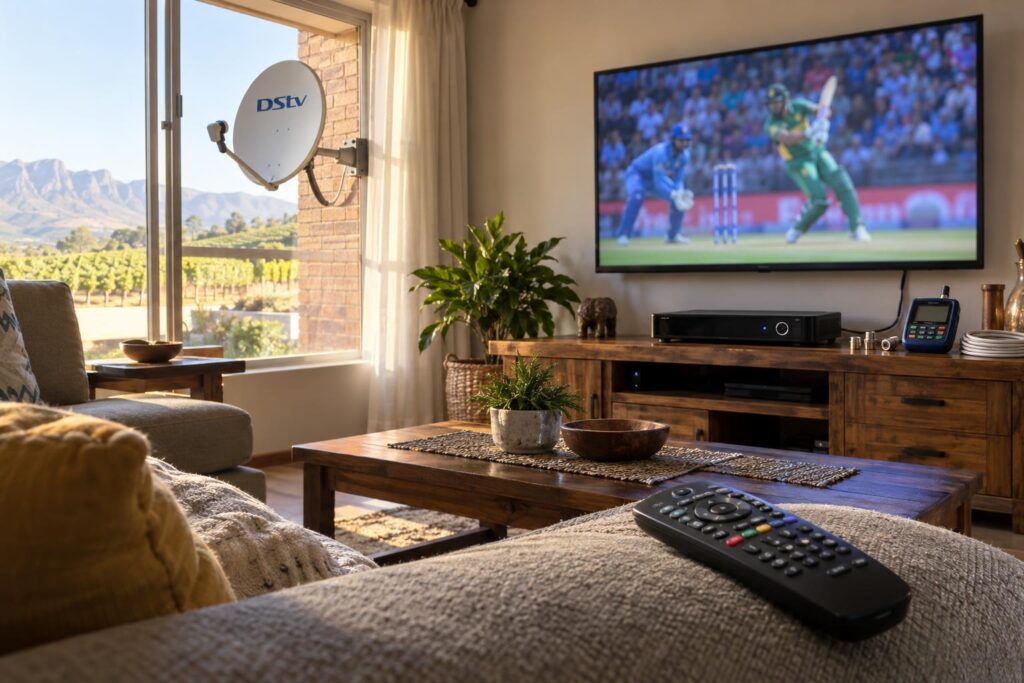
The answer is that the two bars measure different things. One bar can look healthy while the other quietly falls away.
What the picture is telling you
Each fault has a typical look. Learning it saves you time.
- Blocks and frozen frames: usually low signal quality.
- E48-32 or "no signal" on screen: the decoder cannot see the satellite at all.
- Only some channels fail: often a marginal dish or a weak LNB.
- Drops every afternoon or in rain: the setup has too little weather margin.
If the screen does not react when you press buttons, the problem may not be signal at all. Our guide with fixes for a DStv remote helps you rule that out first.
Strength and quality in plain words
Think of a radio station in the car. DStv signal strength is the volume. Quality is how clear the voice sounds.
Loud static is still static. A loud but noisy satellite signal still gives you a broken picture.
How to check DStv signal strength on your decoder
You do not need tools for this step. You only need the remote and a few minutes on a working channel.
On a DStv HD decoder
- Switch the TV and decoder on and wait for a channel to load.
- Press the HELP button on your DStv remote.
- Choose General Information.
- Choose Tuner Status.
- Read the two bars: DStv signal strength and signal quality.
- Change to a channel in a different bouquet group and check again.
- Write the numbers down with the date and the weather.
That last step sounds fussy. It is the most useful thing you can give a technician, because a change from your normal readings tells us far more than one number on its own.
On a DStv Explora
The Explora menus look different, but the decoder shows the same DStv signal strength and quality readings on its signal or tuner status screen. DStv notes that an Explora reads about 15 to 20% lower than other decoders, so do not panic if the bars look shorter than on your old box.
If you are still deciding on a new box, our comparison of the Explora versus HD decoder explains how each one handles signal and recording.
Local tip: Check your readings at midday and again in the late afternoon. Worcester's afternoon wind and summer heat show up in the numbers, and a difference between the two tells us the dish or bracket may be moving.
What the DStv signal strength numbers mean
There is no magic DStv signal strength number that suits every home. Decoder models, cable lengths and LNBs all change the reading. Use this table as a practical guide, based on DStv's own 50% benchmark.
| What you see | What it usually means | What to do |
|---|---|---|
| Strength and quality both above 50%, steady | A healthy setup | Nothing. Note the numbers as your baseline. |
| Strength high, quality low | Signal arrives but is noisy or slightly off target | Check connectors, then book an alignment check |
| Both low on every channel | Dish moved, LNB fading or cable damaged | Check the cable at the decoder, then call us |
| Readings jump up and down | Loose bracket, loose connector or water in a joint | Look at the dish from the ground for movement |
| Both at zero | No signal path at all | Check plugs and power, then book a repair |
| Explora about 15 to 20% lower than an old HD box | Normal for that decoder | Judge the picture, not just the bar |
Why 100% strength can still fail
A dish that is a fraction off target can still show a high DStv signal strength reading. The decoder just struggles to read it cleanly.
That is why a proper job is set by quality on a meter, not by chasing the biggest strength bar. Every DStv installation in Worcester that we do is finished this way, with readings checked on more than one channel group.
Why DStv signal quality drops in Worcester
Low readings rarely appear out of nowhere. Around the Breede River Valley, the same few causes come up again and again.
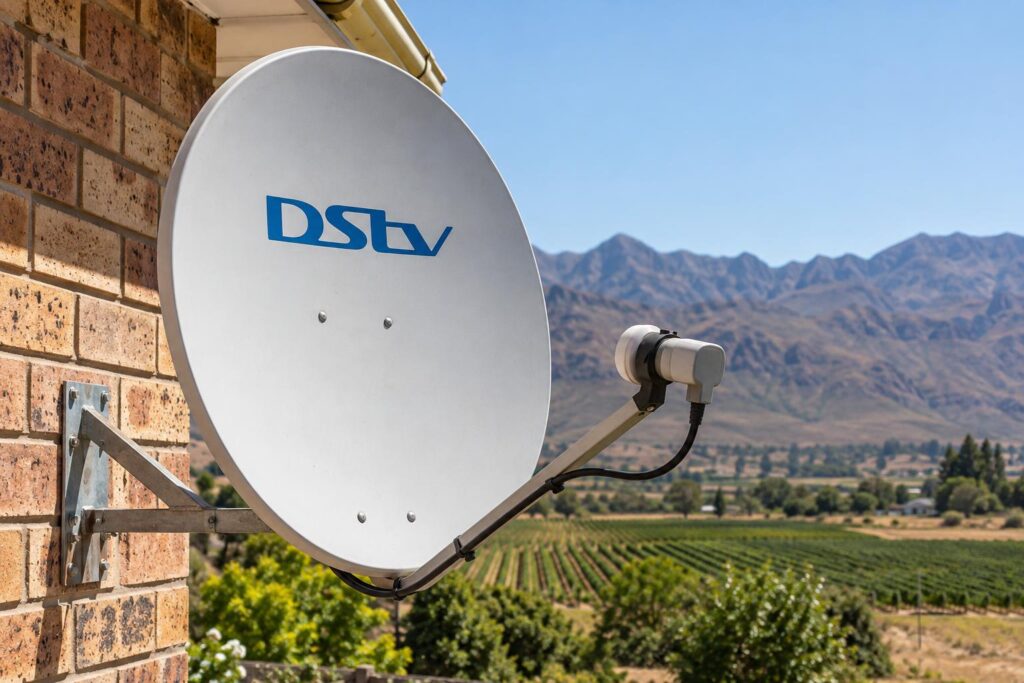
Wind, heat and a dish that drifts
The afternoon wind off the mountains pushes on a dish every day. Over months, a bracket on a Panorama or Somerset Park roof can work slightly loose.
A move of a degree or two is enough to drop your quality reading sharply. Our satellite dish alignment service resets the dish with a meter and tightens the mount so it holds.
Tired LNBs and cables
The LNB is the small arm at the front of the dish. It bakes in the Worcester summer sun and slowly weakens with age.
Cable sheaths crack in the heat too, which lets damp and dust reach the copper inside. A corroded connector at the wall can drain signal without any sign from the outside.
Newer decoders may also need a different LNB from the one on your roof. Our article on Smart LNB prices and timing explains when that upgrade makes sense.
Farms, distance and long cable runs
On farms near Rawsonville, De Doorns and Brandvlei, the dish is often far from the lounge. Every extra metre of cable and every join lowers your DStv signal strength a little.
Trees, sheds and vineyard structures can also grow into the line of sight over a few seasons.
Storms and power cuts
Heavy summer thunderstorms can fade the signal for a short time. That is normal and clears when the cloud passes.
Nearby lightning and power surges after load shedding are a different story. They can damage an LNB, a decoder input or a cable joint, and your DStv signal strength stays low after the weather clears.
Low readings that will not come back up?
Send us a photo of your signal screen on WhatsApp. We will tell you honestly whether it sounds like a quick fix or a proper visit.
Safe fixes to try before you call
Some checks are quick and safe. Please keep both feet on the ground. Never climb onto a roof to move a dish yourself.
- Switch the decoder off at the wall, wait at least 10 seconds, then switch it back on.
- Make sure the satellite cable is screwed firmly into the LNB input on the decoder.
- Look along the cable you can reach for kinks, crushed sections or pet damage.
- Look at the dish from the garden. Is it still pointing the same way as your neighbours' dishes?
- Check for new branches, a new carport roof or a building between the dish and the north-eastern sky.
- Recheck your DStv signal strength and quality on two or three channels and write them down.
If the trouble started after a big blow or a downpour, our quick checks after a storm walk you through what to look for.
A yearly look at the dish also stops many faults before they start. Our seasonal maintenance checklist shows what changes between summer and winter in the valley.
What not to do
- Do not turn the dish by hand while someone shouts readings from the lounge. Small moves make huge changes.
- Do not wrap a wet connector in insulation tape. It traps the water inside.
- Do not buy a new decoder until the dish, LNB and cable have been tested.
When low DStv signal strength needs a technician
Book a visit when your readings stay low after a restart, when they keep jumping, or when the picture fails every time it rains. The same goes for an E48-32 error that does not clear.
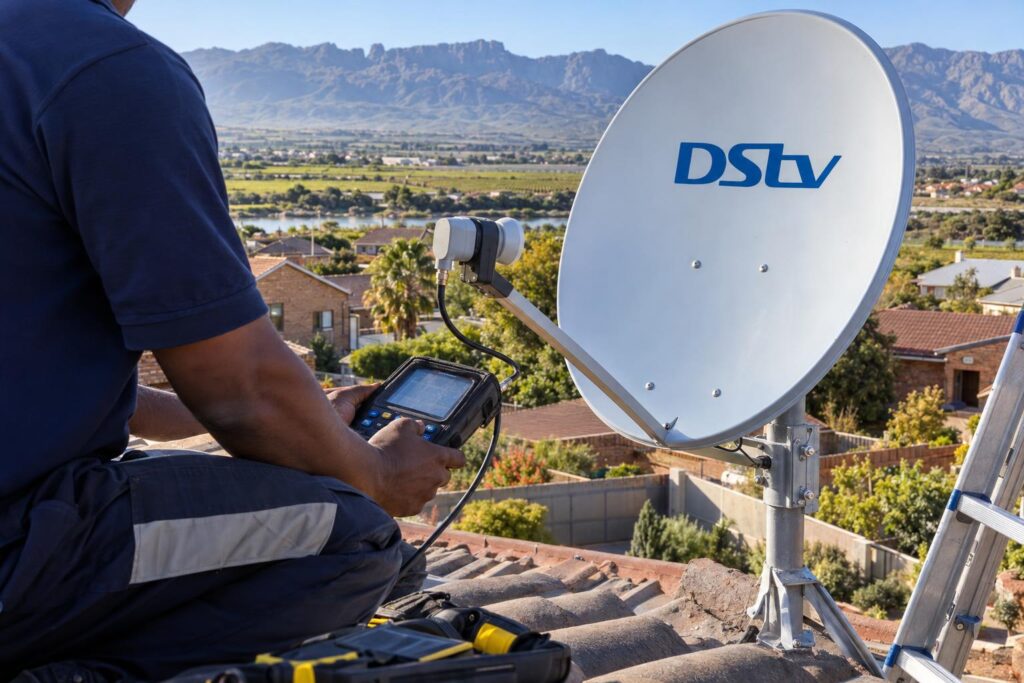
Complexes in the CBD and Worcester West with one shared dish need extra care. A single faulty outlet can affect one flat while the rest of the block is fine.
What we do on a signal visit
- We read your decoder's signal screen and compare it with your notes.
- We test the signal at the dish with a meter.
- We test again at the decoder end to see how much the cable loses.
- We check every connector, the LNB and the mount.
- We realign, reseal or replace only what is faulty.
- We show you the final strength and quality readings before we leave.
Testing in that order finds the weak point quickly. Our DStv signal repairs in Worcester follow this route, and we explain the fault before replacing any part.
Holiday homes and rentals
If the house in Brandvlei or the cottage on the farm only gets used now and then, a fault can sit unnoticed for months. Ask a neighbour to send a photo of the signal screen, and we can often tell what is wrong before we drive out.
We cover the whole valley, from Avian Park to the farms past De Doorns. Our Worcester DStv installers carry spare LNBs, connectors and cable, so most signal faults are sorted in one visit.
Want your signal checked properly?
We test at the dish and at the decoder, then leave you with readings you can compare later. Same-week bookings across Worcester and the Breede River Valley.
For general product questions, you can also browse DStv's official help FAQs. For anything on your roof, give us a call instead.
Keep your baseline readings on your phone. The next time the picture misbehaves, a quick look at Tuner Status will tell you whether to wait out the weather or pick up the phone.
DStv signal strength FAQs for Worcester homes
How do I check DStv signal strength on my decoder?
On most HD decoders, press HELP on the remote, choose General Information, then Tuner Status. You will see a signal strength bar and a signal quality bar. Check a few different channels and write the numbers down.
What should DStv signal strength be?
DStv's guidance is that both signal strength and signal quality should be above 50%. Below that, you can expect picture problems. An Explora reads about 15 to 20% lower than other decoders, which is normal.
Why is my DStv signal quality low when strength is high?
The decoder is receiving plenty of signal, but it is noisy or slightly off target. The usual causes are a dish that has drifted, a fading LNB or a damp connector. A meter check at the dish finds the cause quickly.
How can I improve my DStv signal strength in Worcester?
Start with safe checks: restart the decoder, tighten the cable at the back and look for damage or new obstructions. If the readings stay low, the dish usually needs realigning or the LNB or cable needs replacing. That work belongs on a ladder with a meter, so call a technician.
Why does my DStv signal drop when it rains?
Heavy rain weakens satellite signals for a short time, and that is normal. If light rain or cloud knocks out your picture, your setup has too little margin. That usually points to alignment, cable loss or a tired LNB.
Can a faulty decoder cause low signal readings?
It can, but it is less common than a dish, LNB or cable fault. Test the outdoor equipment first before buying a new decoder. We check the full signal path so you only replace what is actually broken.